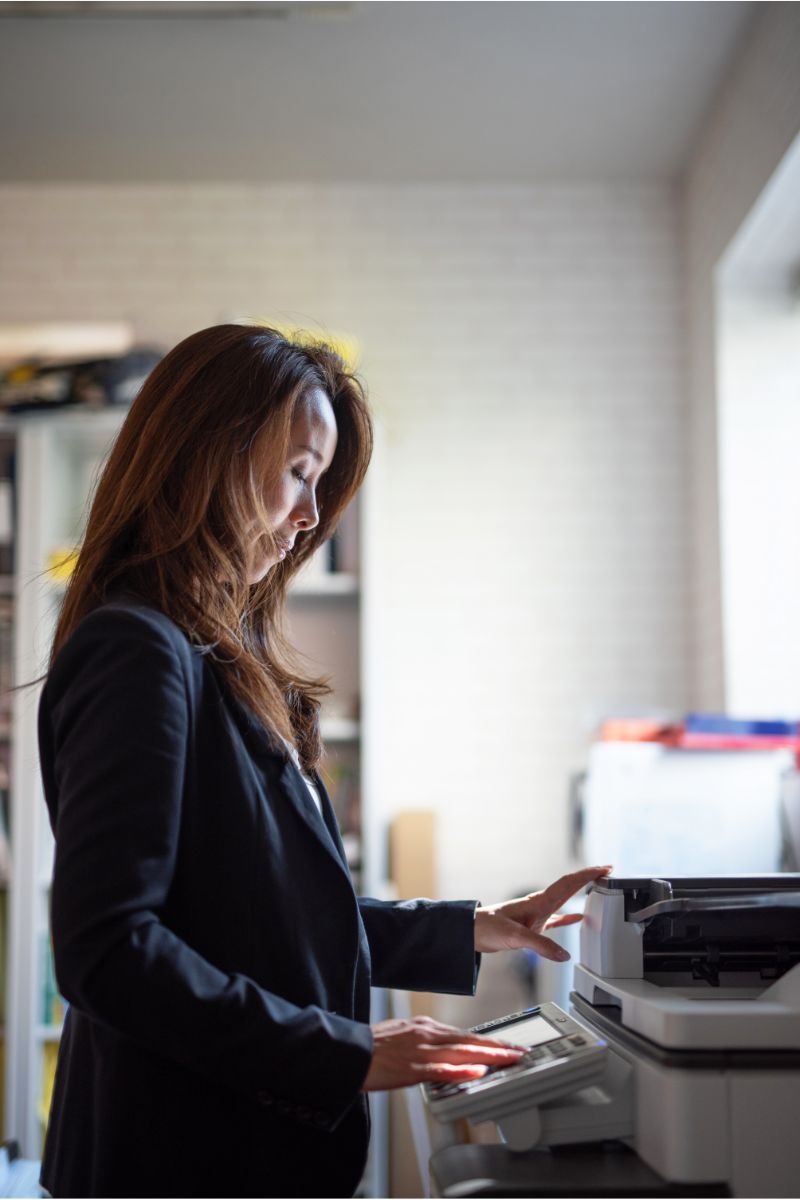

Kyocera devices have earned a reputation as a cost-effective and highly efficient print option. Kyocera sells various products, from inkjet and laser printers to Kyocera mobile print options. Their products are intuitive, user-friendly, and reliable. All these factors give Kyocera a competitive edge over other brands in the printing industry.
Why should I lease a Kyocera printer?
As mentioned, the brand has a stellar reputation for reliability and cost-effectiveness. However, what does that look like?
Cost-effective option: A Kyocera printer is cost-effective for those with a tighter budget who want high performance. Of course, this price will vary depending on the model you choose to invest in, but when you select BDS as your print lease partner, you receive the flexibility of payment options that work best for you!
Productivity: Productivity is equally as important as the cost when investing in a new printer, as you want to ensure that the price is worth the tradeoff of high-functioning equipment. In 2018, Kyocera was awarded The Buyers Lab Reliability award for its ECOSYS® line of MFP printers, which BDS happens to service! A high score of 10 was awarded for the machine’s high performance and reliability. With Kyocera products, you can rest assured that you are investing in a sustainable option for your business.
Performance: Are you regularly printing high-resolution graphics in color? Kyocera has a particular precision in color printing that most standard printers find hard to achieve. Furthermore, Kyocera printers can quickly handle large print volumes. You also don’t have to sacrifice quality for speed.
Why lease with BDS?
BDS is a platinum dealer for Kyocera products, including copiers, printers, and multifunction devices. We currently carry TASKalfa and ECOSYS® series of Kyocera printers. Are you looking for color or black and white? BDS has both and can help you find which one will best fit the needs of your business.
Leasing a Kyocera printer with BDS is a unique experience, as we offer customized Kyocera configurations for your office and supported devices. Purchasing a printer is a considerable cost investment, especially when factoring maintenance and supplies for the equipment. With BDS, you do not have to worry about downtime, maintenance, or supplies. BDS is committed to reliable service, so if you experience any issues with your equipment, BDS has you covered.
Choose BDS as your printer leasing partner
Invest in a new Kyocera printer with BDS today and receive high-quality support and training for the entire lease of your Kyocera equipment!