Choose the right Kyocera 11×17 printer for clear, large-format output in-house. Learn key features, use cases, and setup tips to improve workflows, reduce errors, and keep tabloid printing efficient and reliable.
If your office prints spreadsheets, drawings, or wide-format reports, a Kyocera 11×17 printer (tabloid/ledger) brings larger output in-house and reduces turnaround time. This guide explains what 11×17 printing is best for, which features matter most, and how to choose the right setup for your workflow.
What 11×17 printing means (and why it matters)
In North America, 11×17-inch paper is called tabloid or ledger; internationally, it’s closest to A3. The extra space keeps tables, layouts, and markups readable without shrinking fonts. Because pages are larger, consistent feeding and alignment matter, so tray configuration and paper handling become part of the decision.
Why consider a Kyocera printer for 11×17 jobs?
Tabloid printing is often mission-critical for engineering, admin packets, and quick proofs. Kyocera devices are commonly selected for 11×17 work because they’re built for business reliability and predictable running costs, and many support authentication and print controls to reduce waste.
Key features to look for in a Kyocera 11×17 printer
- Main tray 11×17 support: Make sure at least one primary tray (not only bypass) feeds tabloid/ledger; confirm supported paper weights.
- Speed and warm-up: Match pages-per-minute and first-page-out behavior to your busiest print windows.
- Automatic duplexing: Two-sided 11×17 printing reduces paper use and manual collating.
- Finishing: Stapling, hole-punching, or booklet options can save time on packets and handouts.
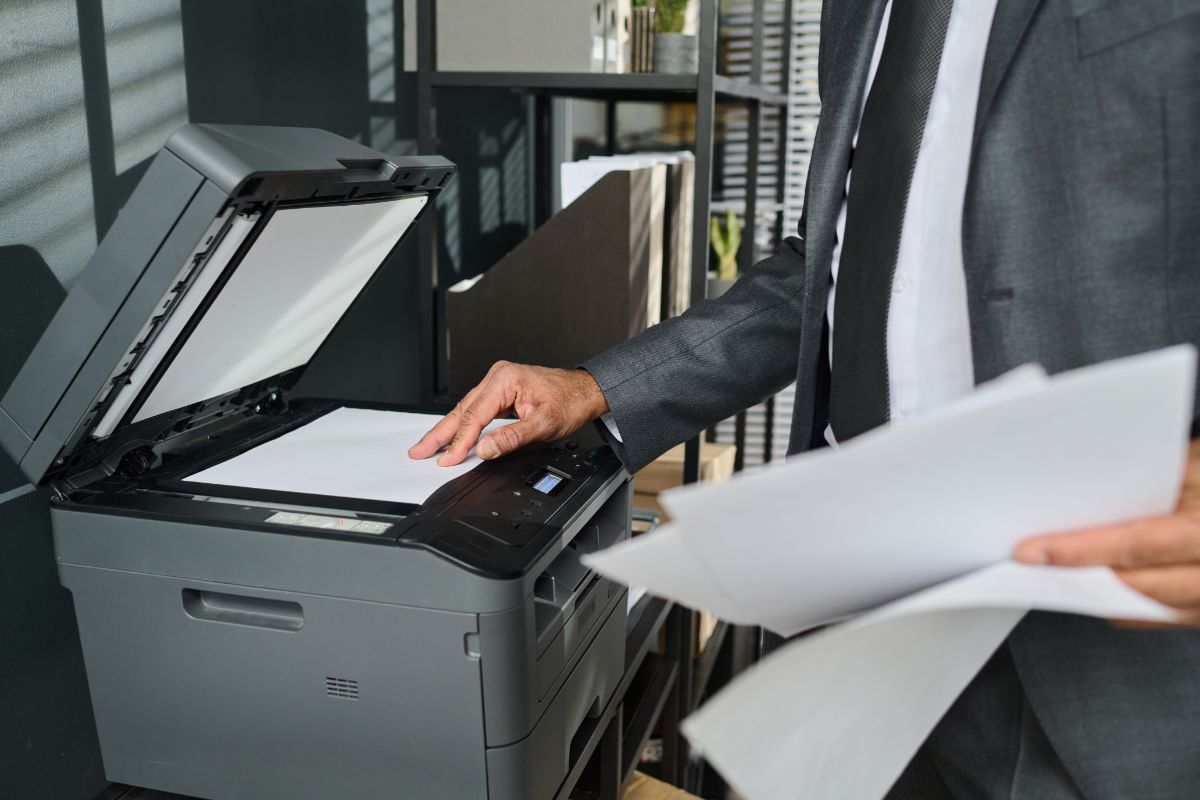
- Scan/copy (MFPs): If you scan 11×17 originals, verify platen/ADF size support and easy scan destinations.
- Drivers and workflow fit: Confirm OS support, mobile printing, and any document-management integrations you use.
- Security controls: PIN release, authentication, and logging help govern who can print large-format jobs.
Common use cases for 11×17 printing
An 11×17-capable Kyocera printer helps when clarity, scale, or layout space matters.
- Engineering and architecture: Plan sets, markups, and wide schematics.
- Finance and operations: Large spreadsheets, inventory maps, and dashboards without tiny fonts.
- Education: Classroom posters, lesson visuals, and folded handouts.
- Legal and administration: Board books, exhibits, and packet printing with duplexing and finishing.
How to choose the right model and configuration
Start with what you print most and size the device for peak demand. A Kyocera 11×17 printer can be a single-function unit or an MFP that also scans and copies. Focus on color needs, monthly volume, paper handling, and whether finishing will save time.
- Mono or color: Mono fits drawings and internal reports; choose color for branded, client-facing pages and posters.
- Monthly volume: Buy for the recommended range (not the max) to keep performance and wear predictable.
- Paper handling: More trays mean fewer swap-outs and fewer “wrong paper” reprints.
- Finishing: Stapling/hole punching can remove a lot of manual packet work.
- Total cost of ownership: Compare toner yields, maintenance intervals, and service coverage—not just purchase price.
Set up and maintenance tips for better 11×17 results
On larger pages, small setting mistakes can show up fast. Use these habits to reduce jams and reprints:
- Match tray settings: Set the right size and type so feed and fusing behavior is correct.
- Standardize drivers: Use consistent defaults (duplex, tray, color/mono) to prevent user errors.
- Use bypass for specials: Keep everyday 11×17 in a main tray; use bypass for odd stocks and one-offs.
- Store paper well: Keep reams flat and sealed to reduce curl and misfeeds.
- Train on scaling: “Fit to page” vs. “actual size” can make or break drawings and scaled documents.
Bottom line
The best Kyocera 11×17 printer matches how your team works: what sizes stay loaded, the monthly peaks you hit, and whether you need scanning/finishing or just dependable tabloid output. Compare must-haves against recommended volume and ongoing costs to choose a device that keeps 11×17 jobs moving.
FAQ: Kyocera 11×17 printers
Is 11×17 the same as tabloid or ledger?
Yes—11×17 is commonly called tabloid or ledger. A3 is similar but not identical, so confirm dimensions if you must print to scale.
Can a Kyocera 11×17 printer feed tabloid paper from a main tray?
Often, yes—but it depends on the tray configuration. If the tabloid is used daily, confirm that at least one primary tray supports 11×17/ledger (not just the bypass).
Do Kyocera printers support duplex (two-sided) printing on 11×17?
It depends on the model and media. Check the specs for duplex support on 11×17 ledger and any weight/type limits.
Can a Kyocera MFP scan or copy 11×17 originals?
Many can from the platen glass. ADF support varies, so confirm whether the feeder supports 11×17 or only letter/legal sizes.
Why does my 11×17 print come out scaled, cropped, or from the wrong tray?
Usually, it’s a page-size or scaling mismatch. Set the document to 11×17/ledger, verify tray sizes are configured correctly, and choose “actual size” when scale matters.