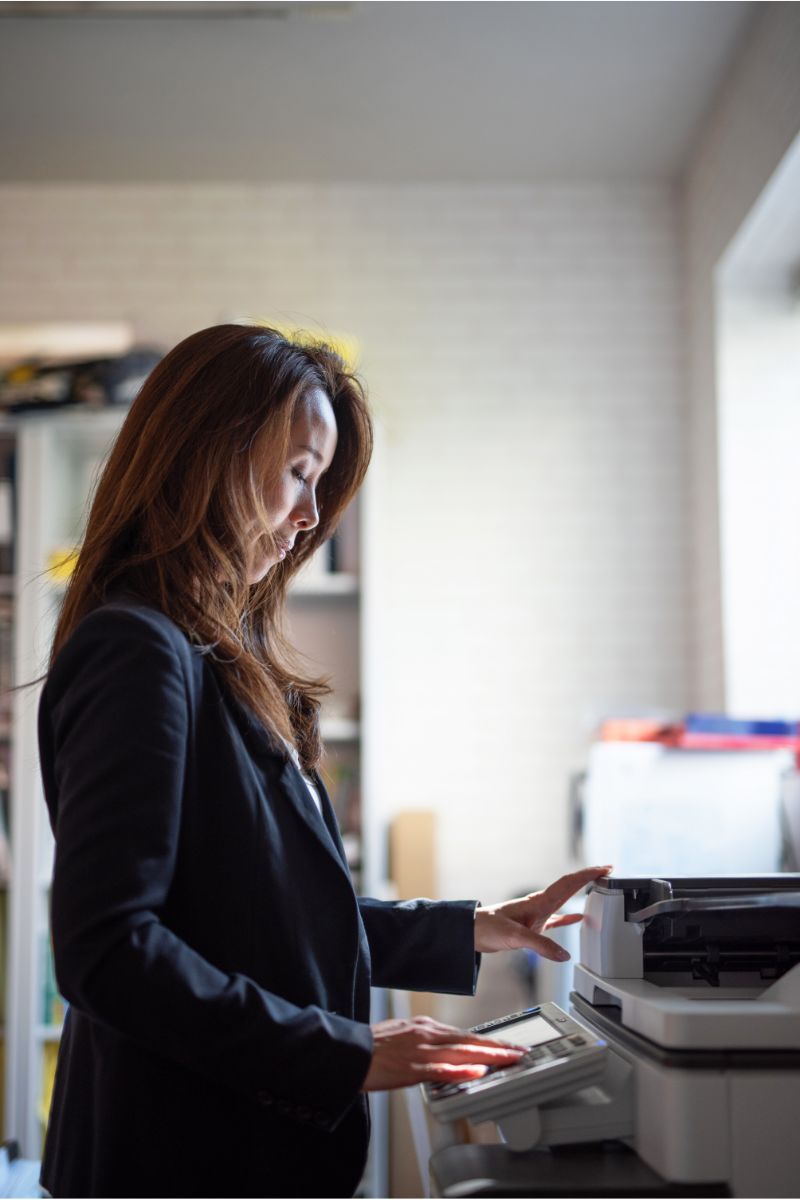
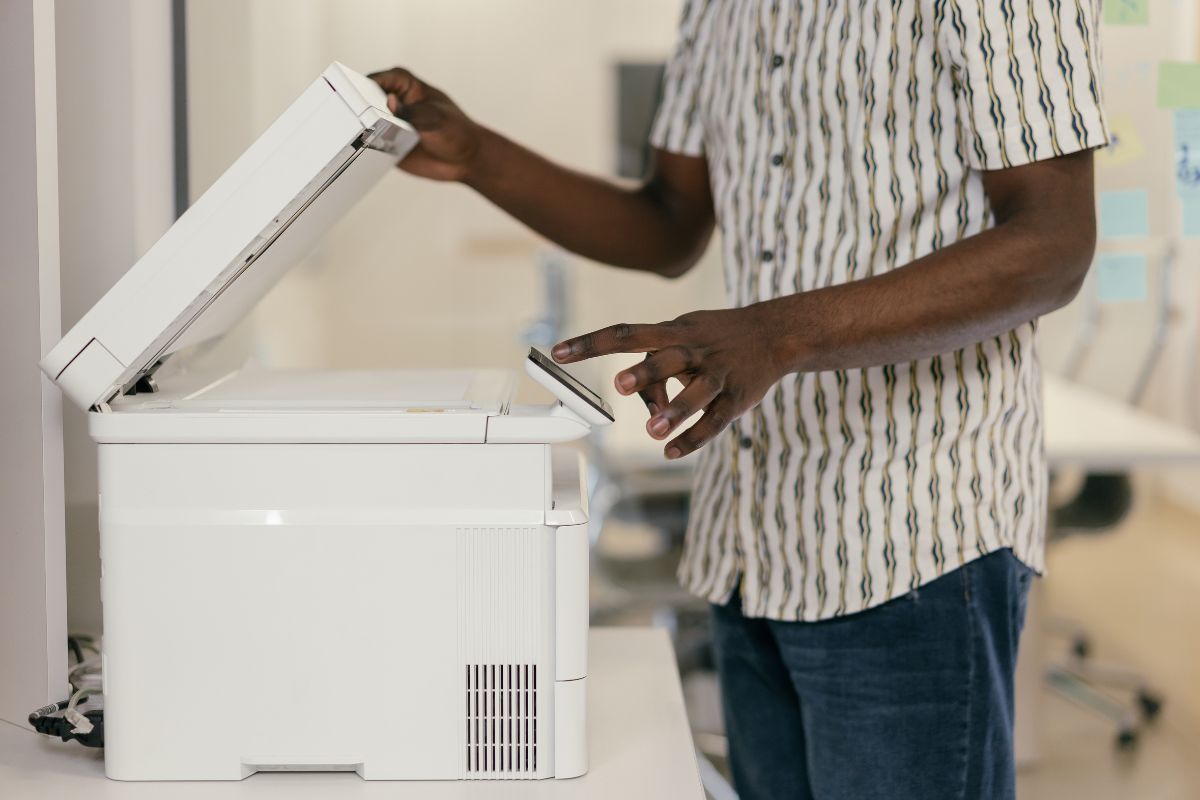
Buying a copier used to mean picking a box that made copies. Today, the best photocopier is a networked hub that manages print, copy, scan, and fax traffic for an entire floor. It stores documents on an internal drive, connects to cloud folders, and often sits on the same network as your accounting and client records. That shift complicates the decision, but it also means the right machine can quietly save a business thousands of dollars a year in toner, service calls, and wasted staff time. This guide walks through what separates an average copier from the best photocopier for your specific office. We will cover the print scan features that matter most, the case for black and white versus color, the security features that protect every document passing through the device, and the questions worth asking before you sign a lease.
What Makes a Photocopier the “Best” Choice?
There is no single best photocopier for every business. A ten-person insurance agency and a 200-attorney firm need very different machines, and the wrong fit shows up fast. Buy too small and the device jams under pressure, drinks toner, and dies early. Buy too large, and you pay a lease premium for speed you never use. The best photocopier is the one sized to your actual monthly page volume, matched to the document work your team actually does, and supported by a service partner who can be on-site quickly. Start by pulling twelve months of page counts from your current device or your provider’s billing reports. Note the split between black and white and color pages, how often staff scans to email, and where the bottlenecks appear. Those three numbers do more to guide your decision than any spec sheet.
Key Features to Compare Before You Buy
Print Scan Performance and Document Handling
For most offices, scanning has overtaken copying as the primary daily task. A robust print-scan workflow is therefore the first thing to test. Look for a dual-scan document feeder that captures both sides of a page in a single pass, a rated scan speed of at least 80 images per minute, and reliable blank-page removal. Just as important is where the file goes next. The best photocopier lets staff scan directly to email, a network folder, SharePoint, or a cloud drive with one button press, and it applies optical character recognition so the resulting PDF is searchable. Ask the vendor to run a live demo with your own paperwork, including stapled packets, carbon copies, and worn originals. A machine that handles clean letter-size sheets beautifully may misfeed constantly on the documents your team really uses.
Black and White or Color Output?
Color looks appealing in a demo, but it carries a real cost. A color click typically runs six to ten times the price of a black and white click, and many offices discover that most of their color pages are accidental. If more than 90 percent of your output is text, a dedicated black and white device gives you faster warm-up, lower service costs, and a much simpler supply chain. Firms that produce proposals, marketing collateral, or client-facing reports usually need color, but they can control spending by routing color jobs to a single device or requiring a code for color printing. A practical middle ground is a single-color multifunction printer for the marketing team and black and white workhorses everywhere else.
Speed, Duty Cycle, and Paper Capacity
Pages per minute gets the headlines, but duty cycle tells the truer story. The monthly duty cycle is the maximum number of pages a device can handle, and a healthy rule is to keep your actual volume below one third of that figure. A machine rated for 100,000 pages per month will run comfortably and reliably at 30,000 pages per month. Paper capacity matters just as much in a busy office. Two 500-sheet trays sound generous until someone runs a 900-page board packet and the copier stops twice. Look for at least 1,100 sheets of standard capacity, an optional high-capacity tray, and a bypass tray for envelopes, labels, and heavy card stock. Finishing options such as stapling, hole punching, and booklet folding pay for themselves quickly if your team assembles reports by hand today.
Security Features That Protect Your Documents
A modern copier is a networked computer with a hard drive, and it should be evaluated like one. The security features to insist on include hard drive encryption, automatic data overwrite after each job, user authentication by PIN or badge, and secure release printing that holds a job until the person who sent it is standing at the device. Confirm that the manufacturer still issues firmware updates for the model you are considering, and ask how those updates are delivered. If you work in healthcare, legal, financial services, or government, ask the vendor for documentation showing how the device supports HIPAA, GLBA, or CMMC requirements, and request an audit log capability that records who scanned or copied what. Finally, plan for the end of the lease. Get a written commitment that the hard drive will be wiped or physically destroyed when the machine is returned, with a certificate of destruction to file.
Matching the Best Photocopier to Your Business Size
Small offices printing under 3,000 pages a month are well served by a desktop multifunction unit in the 25 to 35 page-per-minute range. These units are affordable, sit on a credenza, and still offer duplex print scan and basic user authentication. Growing companies in the 5,000 to 20,000-page range should step up to a floor-standing model capable of 35 to 55 pages per minute, with multiple trays and a finisher. This is the sweet spot where a black and white workhorse plus single color device usually delivers the lowest total cost. Larger organizations printing more than 25,000 pages a month need production-class hardware capable of printing above 60 pages per minute, high-capacity feeders, and a managed print program that tracks usage by department. At that scale, fleet management and same-day service response matter more than any single specification on the brochure.
Understanding the Real Cost of Ownership
The purchase price is the smallest part of the equation. Your true cost includes the lease payment, the service and supply agreement billed per page, network setup, and eventual removal. Ask every vendor for the cost per page on both black and white and color, whether those rates escalate annually, and what the minimum monthly volume commitment is. Compare a 36-month term with a 60-month term, since longer terms reduce payments but often outlast the technology. Read the end-of-term language closely: automatic renewal clauses and return shipping fees are where budgets get ambushed. Leasing preserves cash and bundles maintenance, while buying outright makes sense for low-volume offices that keep equipment for many years. Whichever route you choose, put the total five-year figure on paper before comparing brands.
Why Service and Support Decide Long-Term Satisfaction
Two identical machines can deliver completely different experiences depending on who supports them. Ask about guaranteed response times in writing, whether technicians are factory trained on your model, and how many of those technicians are based within an hour of your office. Find out if toner ships automatically based on remote monitoring, and whether staple cartridges and waste containers are included in the per-page rate. Request three references from businesses of similar size and actually call them. A dealer who answers the phone on a Friday afternoon is worth more than five extra pages per minute.
Common Mistakes to Avoid
- Choosing speed alone while ignoring duty cycle and paper capacity.
- Paying for color when nearly all output is black and white.
- Skipping the security features review because IT was not part of the buying process.
- Signing a 60-month lease on technology you will outgrow in three years.
- Failing to test print and scan workflows with your own real-world documents.
- Overlooking the cost of removal, data wiping, and end-of-term return.
Frequently Asked Questions
How much does the best photocopier cost?
Desktop multifunction units start near \$1,500, mid-volume floor models run \$4,000 to \$12,000, and production devices climb well beyond that. Most businesses lease instead, with monthly payments between \$90 and \$500 depending on speed and finishing options.
Is a black and white copier still a smart purchase?
Yes. If your output is mostly contracts, invoices, and internal documents, a black and white device costs less to run, needs fewer supplies, and often lasts longer. Many offices pair one with a single color unit for client-facing materials.
What security features should a copier have?
At minimum, look for hard drive encryption, data overwrite, user authentication, secure release printing, and ongoing firmware updates. Regulated industries should also require audit logging and a certificate of data destruction at the end of the lease.
How long should a photocopier last?
A well-maintained device that stays within its rated volume typically lasts five to seven years. Machines pushed past their duty cycle fail much sooner, which is why right-sizing at purchase matters more than any other single decision.
Can a copier scan directly to the cloud?
Most current models support scan to email, network folders, SharePoint, OneDrive, Google Drive, and Dropbox. Confirm that the print scan connectors you need are included rather than sold as a separate license, and test them during the demo.
Final Thoughts
The best photocopier for your office is the one that disappears into the background. It should keep pace with your volume, move documents where they need to go, and protect the information it handles without anyone noticing. Start with your page counts, decide honestly how much color you need, insist on strong security features, and choose a service partner you trust. Do that groundwork, and the machine you sign for will still be the right call three years from now.