Understanding the Basic Difference
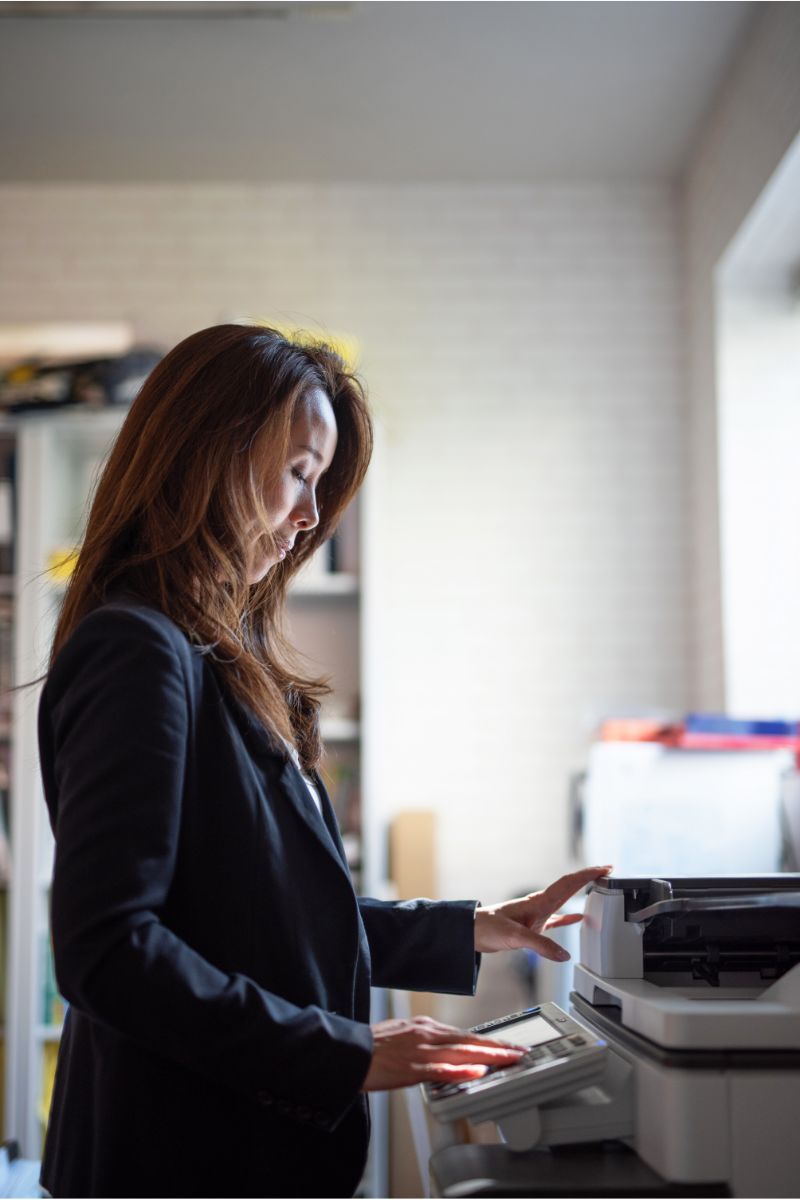
The difference between a printer and a photocopier starts with the source of the document. A printer produces paper output from a digital file, such as a Word document, a PDF, an email, or an image. A photocopier duplicates an existing document on paper. In simple terms, a printer turns digital information into printed documents, while a photocopier makes copies of physical pages.
This distinction matters when choosing office equipment. If your team mostly prints invoices, reports, proposals, or marketing materials from computers, a printer may be the right fit. If your employees often need to duplicate signed forms, contracts, handouts, or records, a photocopier may be more useful. Many businesses need both functions, which is why the multifunction printer has become so common.
How a Printer Works
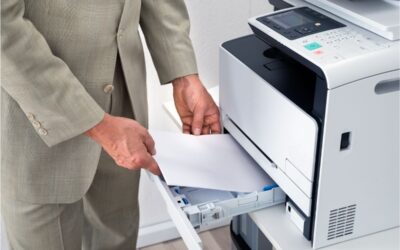
A printer receives data from a computer, mobile device, or network. It processes that data and places text or images on paper. The two common office printer options are laser printers and inkjet printers. A laser printer uses toner and heat to create sharp text quickly, making it a strong choice for busy offices. Inkjet printers use liquid ink and are often chosen for color images, photos, or low-volume printing.
Printers are helpful when you need to produce high-quality documents from digital files. They are often used for business letters, spreadsheets, presentations, shipping labels, training packets, and client materials. The best printer depends on monthly print volume, color needs, speed, paper size, and cost per page.
How a Photocopier Works
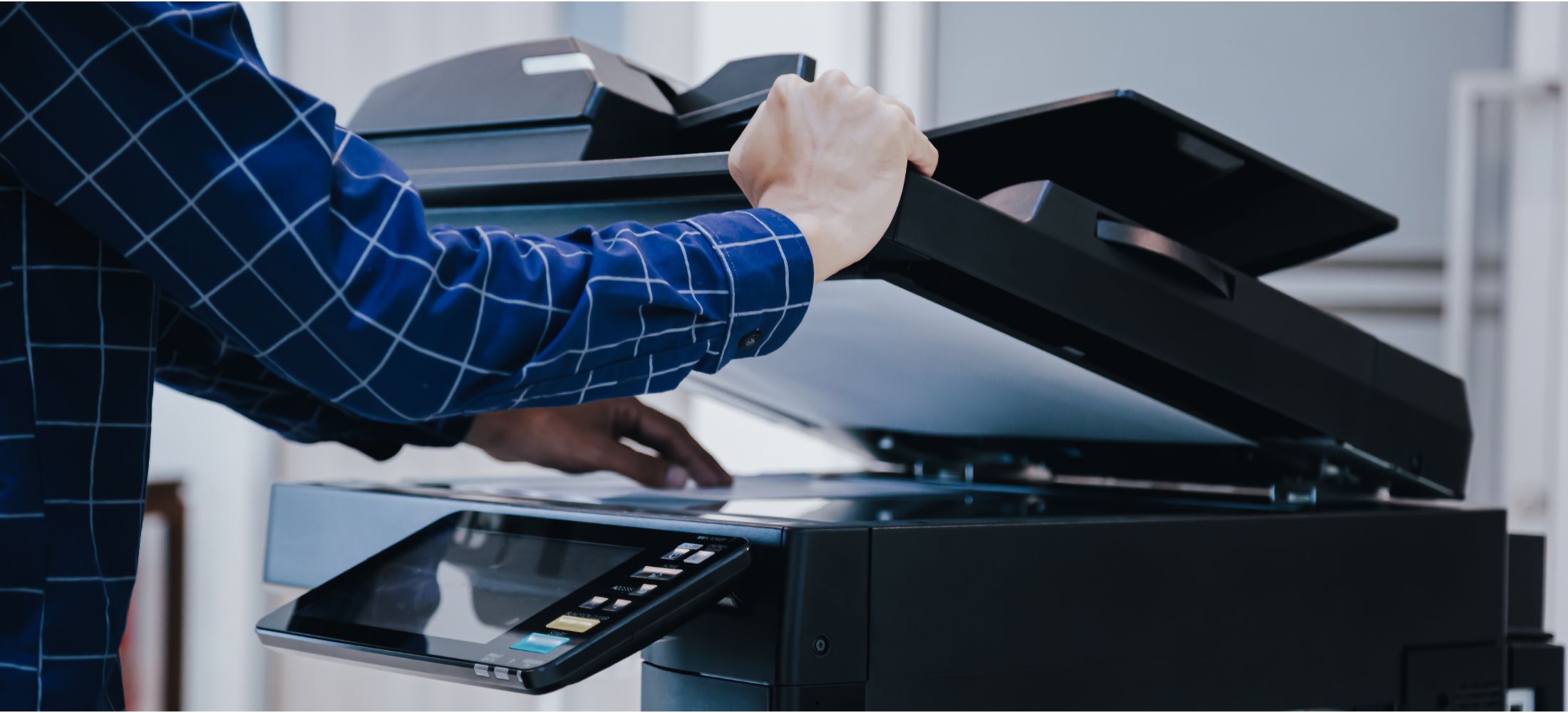
A photocopier begins with a physical page. You place the original document on the glass or feed it through an automatic document feeder. The machine scans the page and reproduces it on new sheets of paper. This makes photocopiers valuable for offices that handle paper-heavy tasks, such as legal files, healthcare forms, financial records, employee paperwork, or classroom packets.
Photocopiers are usually built for speed, volume, and convenience. They may include large paper trays, sorting, stapling, duplex copying, enlargement, reduction, and other finishing features. For teams that regularly copy stacks of pages, a copier can save time and reduce manual work.
Where Multifunction Printers Fit In
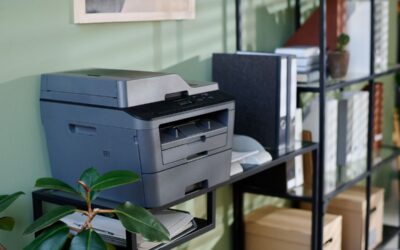
A multifunction printer combines several tools in one device. Most models can print, copy, scan, and sometimes fax. This makes an MFP a practical solution for offices that want fewer machines, simpler supply management, and better document workflows. Instead of buying one printer and one copier, a business can often choose one device that handles both digital and paper-based tasks.
The right multifunction printer can also support email scanning, cloud connections, secure print release, mobile printing, and user access controls. These features help teams move documents faster while reducing clutter. For many modern workplaces, an MFP is the best middle ground between a traditional copier and a standalone printer.
Which Device Is Best for Your Business?
Choose a printer if your office mainly works from digital files and needs reliable printed output. Choose a photocopier if your team often copies large volumes of physical paperwork. Choose a multifunction printer if you need flexibility, shared access, scanning, and copying in one connected system.
Cost is also important. Inkjet printers may have a lower upfront price, but ink costs can add up. A laser printer may cost more at first, yet it often delivers a lower cost per page for black-and-white office documents. Larger copiers and MFPs may be leased with service, toner, and maintenance included, which can make budgeting easier.
Before deciding, review your print volume, copy volume, color needs, paper sizes, security requirements, and available office space. A small office may only need a compact printer. A growing team may benefit from a networked MFP. A department with heavy paperwork may need a higher-volume copier-style system.
FAQ
Is a photocopier the same as a printer?
No. A photocopier duplicates paper originals, while a printer creates paper output from digital files. However, many modern machines combine both features.
What is a multifunction printer?
A multifunction printer is one device that can usually print, copy, scan, and fax. It is useful for businesses that want a single machine for multiple document tasks.
Are laser printers better than inkjet printers?
Laser printers are often better for fast, high-volume text printing. Inkjet printers are often better for occasional color printing, photos, or smaller workloads.
What should I choose for high-quality printed documents?
For sharp text and frequent office printing, a laser printer or multifunction printer is usually a strong choice. For rich color images, inkjet printers may be better.