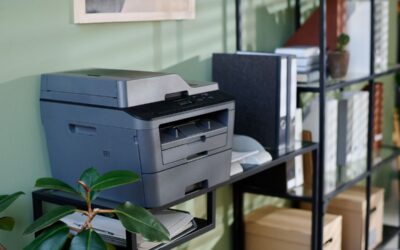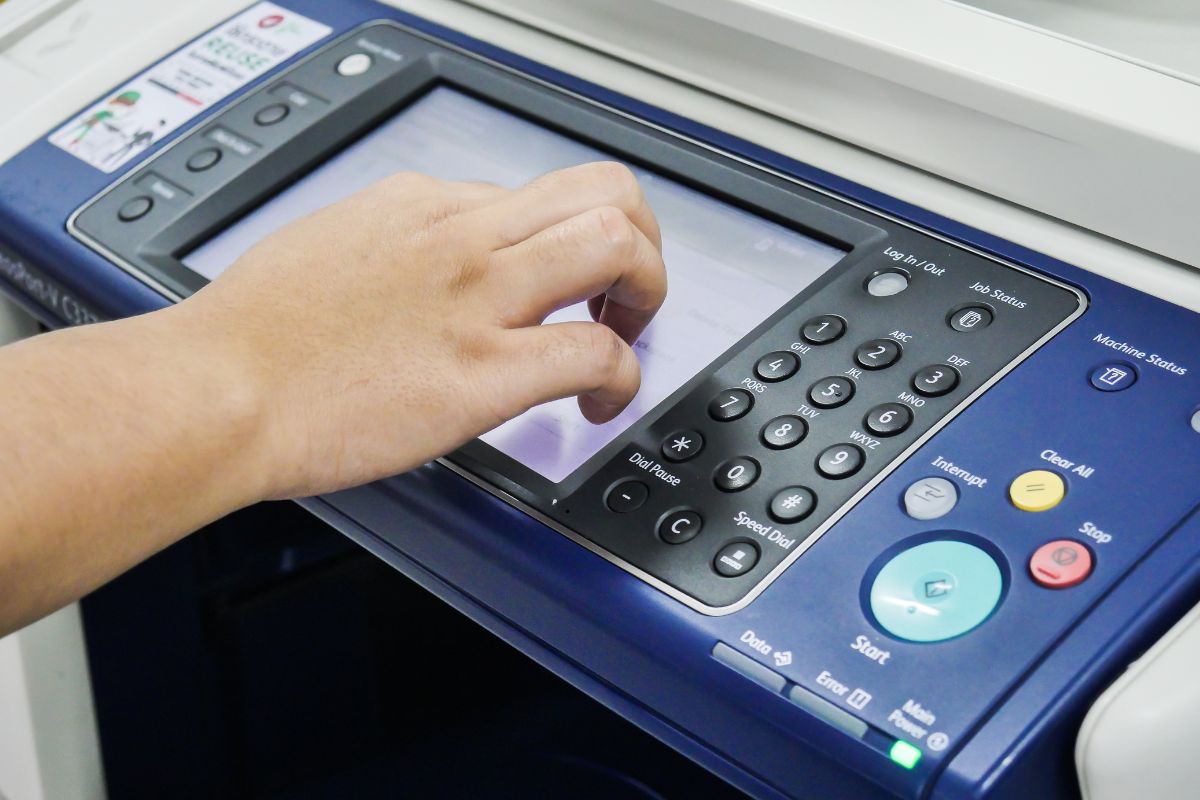
High-volume business printers are built for environments that require consistent, large-scale document production. These systems go beyond basic printing by functioning as multifunction hubs for printing, scanning, copying, and secure document workflow management. They are commonly used in corporate offices, healthcare organizations, schools, legal firms, and production departments where reliability and uptime are critical.
Choosing the right system requires focusing on performance, security, workflow integration, and total cost of ownership—not just print speed.
Key Features of a High-Volume Business Printer
1. Print Volume and Duty Cycle
High-volume printers are designed to handle sustained workloads, often ranging from 50,000 to over 300,000 pages per month. A higher duty cycle ensures long-term reliability in demanding environments.
2. Print Speed
Most enterprise-class devices operate at 45-75+ pages per minute (PPM), enabling fast output in shared office environments.
3. Paper Handling and Finishing
Advanced paper handling increases productivity and supports professional output:
- Multiple paper trays
- High-capacity feeders
- Stapling, folding, and booklet finishing
- Hole punching and sorting options
4. Security Features
Security is essential in modern business environments:
- User authentication (PIN, ID card, login credentials)
- Secure print release (pull printing)
- Encrypted data transmission
- Firmware integrity and access controls
5. Workflow Integration
Modern printers connect seamlessly with digital ecosystems:
- Cloud storage platforms (Google Drive, OneDrive, Dropbox)
- Document management systems
- Mobile and remote printing applications
6. Cost Efficiency
Total cost of ownership is driven by:
- High-yield toner systems
- Long-life imaging components
- Reduced maintenance requirements
- Predictable service and supply programs
Top Printer Brands and Models
Kyocera: TASKalfa 7004i Series
Kyocera is known for long-term durability and low operating costs. The TASKalfa 7004i series is engineered for high-volume environments with minimal downtime.
Key strengths:
- Long-life drum technology reduces maintenance frequency
- High monthly duty cycles for enterprise workloads
- Strong finishing and paper handling options
- Reliable security and document protection features
- Excellent long-term cost efficiency
Best for: Organizations prioritizing reliability and low total cost of ownership
Xerox: AltaLink C8200 Series
Xerox AltaLink systems are built for connected workplaces with strong workflow automation capabilities.
Key strengths:
- Advanced document workflow automation
- Strong cloud and app-based integrations
- Excellent scanning and digital routing tools
- Enterprise-grade security architecture
- AI-supported productivity features
Best for: Digital-first organizations focused on workflow automation
Ricoh: IM C6000 Series
Ricoh offers balanced performance and usability for modern office environments.
Key strengths:
- Strong print and scan performance
- Intuitive touchscreen interface
- Cloud and document management integration
- Flexible configurations for departments
- Reliable hybrid workplace support
Best for: Businesses needing flexibility and ease of use
HP: LaserJet Enterprise MFP M725 Series
HP prioritizes enterprise security and IT-level control in its high-volume printers.
Key strengths:
- Advanced security architecture (BIOS protection, intrusion detection)
- Strong IT and network integration
- Secure fleet management tools
- Consistent enterprise reliability
- Strong device monitoring and firmware control
Best for: Security-focused, IT-managed environments
Konica Minolta: bizhub C650i / C750i Series
Konica Minolta emphasizes high-quality output and user experience.
Key strengths:
- High-resolution color printing
- Advanced scanning and capture tools
- Intuitive touchscreen interface
- Strong workflow integration options
- Scalable configurations for different workloads
Best for: Marketing teams and environments where color accuracy is essential
BDS Authorized Dealer Support and Service Coverage
BDS is an authorized copier and printer dealer offering enterprise office technology solutions from leading manufacturers, including Kyocera, Xerox, Ricoh, HP, Canon, and Konica Minolta. We help organizations select, deploy, and support high-volume printing systems tailored to their needs.
Our services include:
- Copier and printer sales, leasing, and rentals
- Preventive maintenance and service agreements
- Managed print services (MPS) programs
- Workflow and document management solutions
- Installation, setup, and ongoing technical support
We serve businesses throughout Rhode Island, Massachusetts, Connecticut, New Hampshire, Maine, New York, and Florida, supporting organizations from small offices to large enterprises.