Selecting a heavy-duty office printer involves more than just high-volume printing. Businesses require reliable, secure, and efficient solutions that manage demanding workloads, reduce costs, and boost productivity.
Regardless of your industry, investing in the right commercial printer can significantly improve workflow efficiency. Before purchasing, identify the most important features for your office needs.
High Monthly Duty Cycle
Begin by evaluating the printer’s monthly duty cycle, which indicates the maximum number of pages it can produce each month without excessive wear.
Heavy-duty printers usually support duty cycles from 50,000 to several hundred thousand pages. Choose a model with a duty cycle that exceeds your expected usage to prevent breakdowns and extend equipment life.
Fast Print Speeds
Print speed is essential in busy offices. Employees should not spend time waiting for documents during meetings, presentations, or client interactions.
Top heavy-duty printers produce 40 to 100 pages per minute, depending on the model. High-speed printing streamlines workflows, reduces bottlenecks, and keeps teams productive.
Multifunction Capabilities
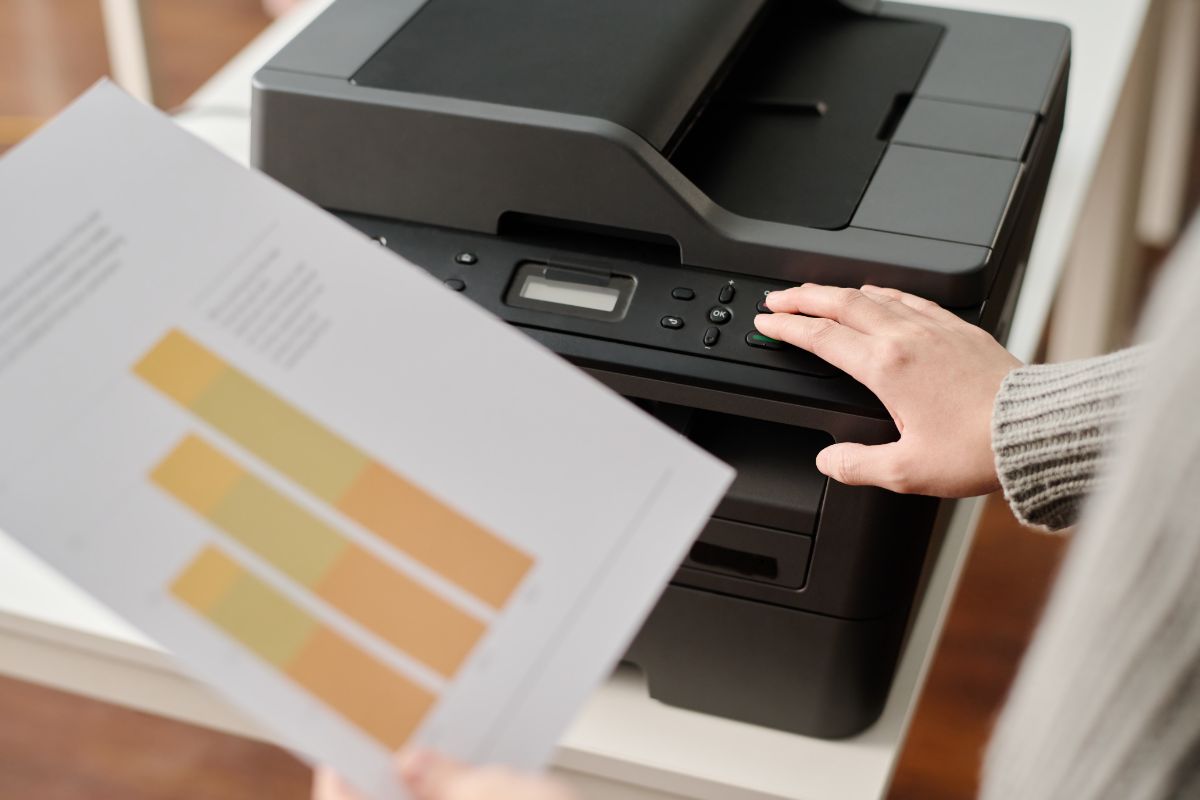
Multifunction printers (MFPs) combine printing, scanning, copying, and faxing in one device, benefiting modern offices.
Multifunction systems help organizations:
- Reduce equipment costs
- Save office space
- Streamline document workflows
- Improve productivity
- Simplify maintenance
Multifunction printers often provide better value than maintaining separate devices for each function.
Advanced Scanning Features
Document digitization is essential for modern businesses. Heavy-duty printers should offer advanced scanning features to support digital workflows.
Look for features such as:
- Duplex scanning
- Scan-to-email
- Scan-to-cloud storage
- Optical Character Recognition (OCR)
- Network folder scanning
- Mobile scanning options
These features reduce paper use and enhance document accessibility and collaboration.
Robust Security Features
Printer security is often overlooked, yet office printers are networked devices that can be vulnerable to cyber threats.
The best heavy-duty office printers include advanced security features such as:
- User authentication
- Secure print release
- Data encryption
- Automatic firmware updates
- Network monitoring
- Access controls
Organizations managing sensitive client, financial, legal, or healthcare data should prioritize printer security.
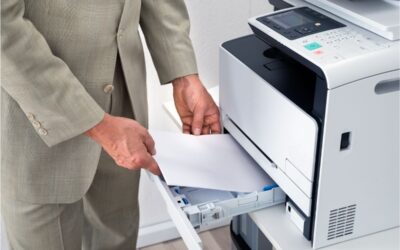
Large Paper Capacity
High-volume offices need printers that operate for prolonged periods without frequent paper refills.
Heavy-duty printers typically feature multiple paper trays and support capacities of 2,000 pages or more. Additional drawers can further expand capacity for demanding environments.
Larger paper capacities reduce interruptions and improve operational efficiency throughout the day.
Mobile and Cloud Printing
Today’s workforce is more mobile than ever. Employees frequently need to print from smartphones, tablets, laptops, and cloud-based applications.
A modern heavy-duty printer should support:
- Apple AirPrint
- Mopria Print Service
- Google Workspace integration
- Microsoft 365 compatibility
- Cloud printing platforms
- Mobile print applications
These capabilities improve flexibility and make printing easier for remote and hybrid employees.
Cost-Efficient Operation
The purchase price is only one consideration when evaluating a commercial printer. Long-term operating expenses often have a greater impact on the total cost of ownership.
Look for printers that offer:
- High-yield toner cartridges
- Energy-efficient operation
- Duplex printing
- Managed print service compatibility
- Low maintenance requirements
Reducing the cost per page can generate significant savings over the equipment’s lifespan.
Reliability and Uptime
Downtime disrupts business operations and reduces productivity. A heavy-duty office printer should deliver reliable and consistent performance.
Commercial-grade printers are built with durable components to withstand continuous use. Businesses should also consider manufacturers with strong service networks and readily available replacement parts.
Selecting a dependable printer minimizes service interruptions and maintains workflow continuity.
Workflow Automation
Many modern office printers offer automation tools that simplify repetitive document tasks.
Examples include:
- Automated document routing
- Workflow templates
- Digital filing systems
- Cloud integration
- Automated approvals
- Document management software compatibility
Automation enables organizations to reduce manual processes, improve accuracy, and increase efficiency.
Managed Print Services Compatibility
Businesses seeking greater control over printing costs should consider devices compatible with Managed Print Services (MPS).
MPS programs provide:
- Automated supply replenishment
- Usage monitoring
- Cost tracking
- Device optimization
- Proactive maintenance
- Fleet management
Managed print services help organizations reduce waste, improve efficiency, and gain better visibility in their printing environment.
Why Partner with BDS for Your Office Printing Needs
Selecting the right heavy-duty printer is only part of the solution. To maximize productivity and return on investment, you need a trusted technology partner. BDS helps businesses identify the ideal commercial printers, multifunction copiers, and managed print solutions based on their unique workflows, print volumes, and operational goals.
Our team offers expert guidance, flexible leasing and purchasing options, professional installation, ongoing maintenance, and responsive local support to ensure your office technology performs optimally. Whether you are upgrading a single device or managing an enterprise-wide print environment, BDS delivers reliable solutions from leading manufacturers to improve efficiency, reduce costs, and support long-term business growth.
Contact BDS today to discover how the right heavy-duty printer and managed print strategy can help your organization operate more efficiently and keep your team focused on what matters most.