Why HP Stand-Alone Copiers Still Matter
For many offices, the printer is still one of the most important productivity tools in the building. Teams need contracts, invoices, reports, presentations, HR forms, sales packets, shipping labels, and scanned documents every day. That is why HP stand-alone copiers remain a practical choice for businesses that want dependable performance without overcomplicating the print environment.
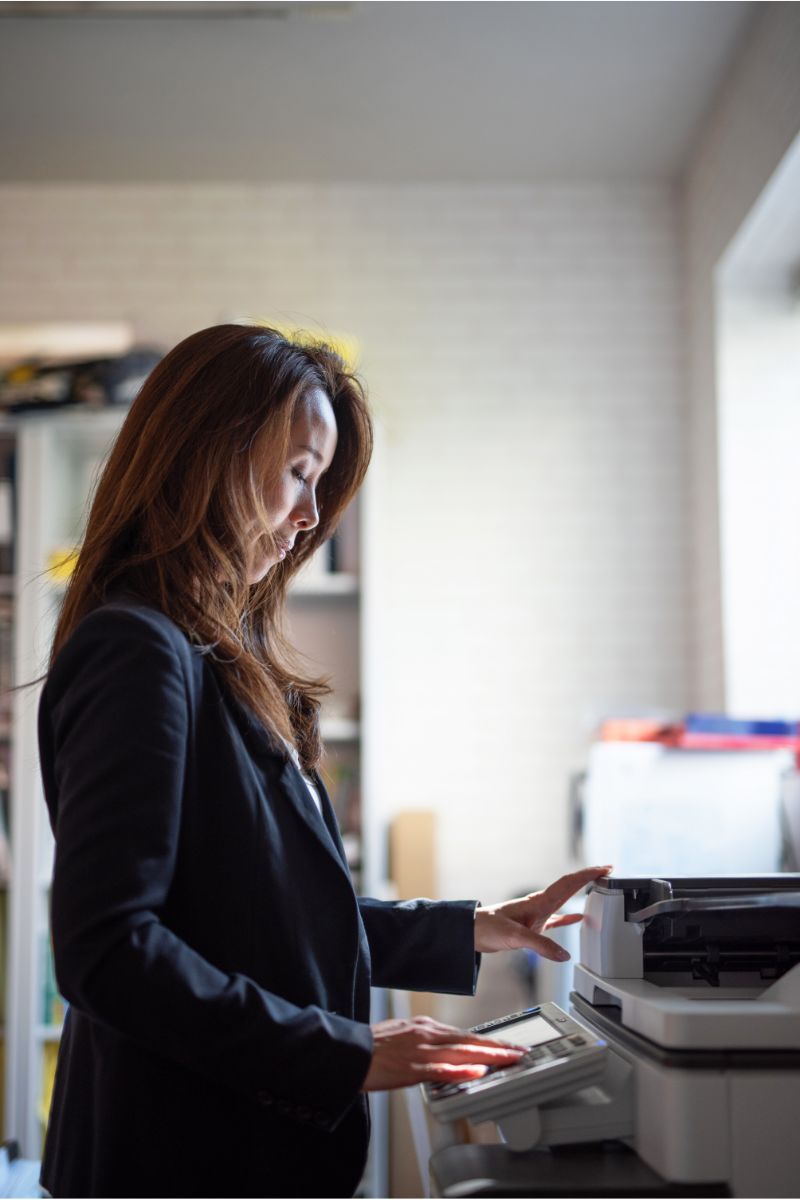
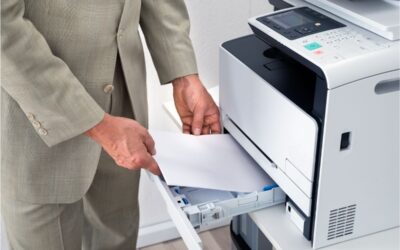
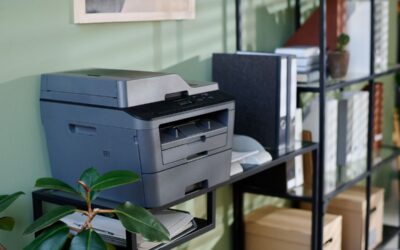
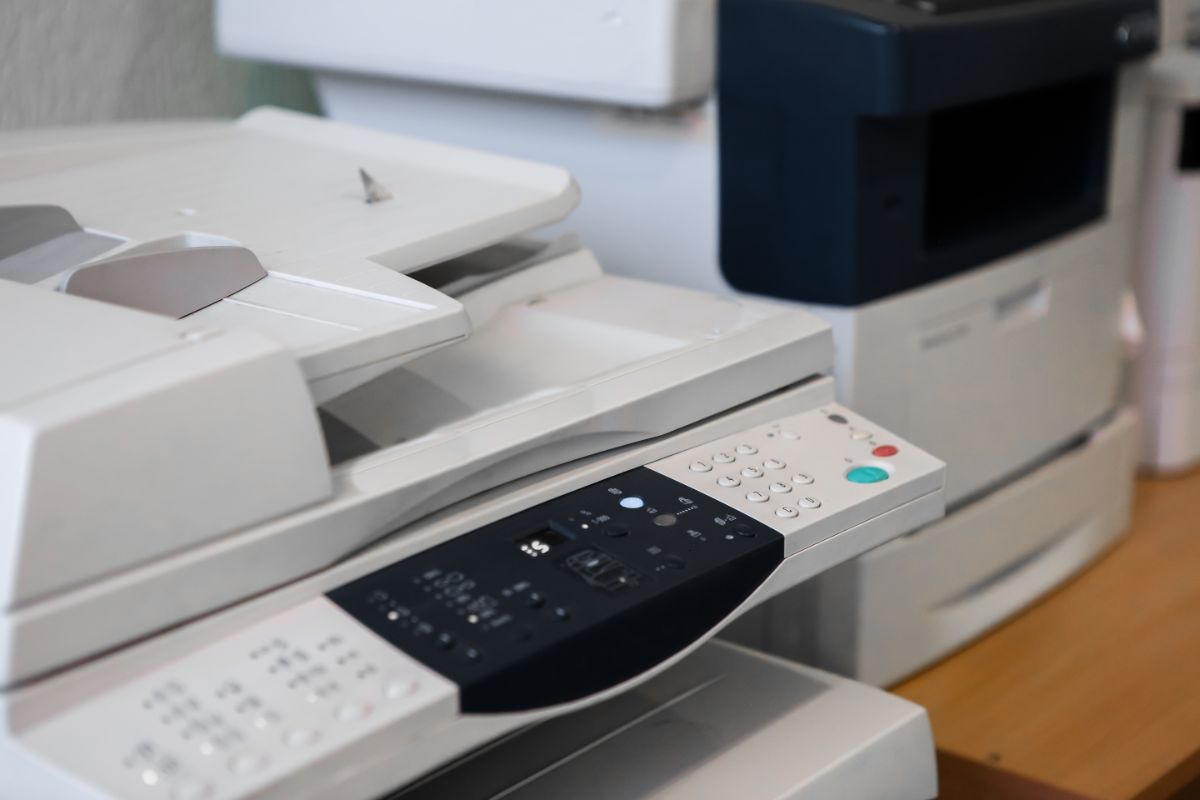
A stand-alone device gives employees one central place to print, scan, copy, and manage daily document tasks. Instead of relying on several small desktop HP printers, an office can use one more robust printer, scanner, and copier built for higher usage. This can reduce clutter, improve response times, and make supply management easier.
What Makes an HP Copier Different?
HP offers many types of office printer solutions, including HP LaserJet printers, HP inkjet printers, HP Smart Tank systems, and HP inkjet devices. Each option serves a different type of business. A small office with modest color printing needs may prefer inkjet printers or tank printers. A larger team that prints thousands of pages per month may need a high-speed laser device with larger toner cartridges and stronger paper handling.
The main difference is workload. HP Smart Tank printers are designed for low-cost, high-volume cartridge-free printing and may include thousands of pages of ink in the box, while HP LaserJet Tank models focus on monochrome productivity, toner efficiency, and fast refill options. Businesses should compare pages per minute, recommended usage, print quality, connectivity, and the total cost of ink or toner before choosing a device.
Ink, Toner, and Paper Costs Add Up
When a business chooses HP stand-alone copiers, the purchase price is only one part of the decision. Ink toner paper costs can affect the budget every month. A low-cost device may become expensive if replacement ink or toner is needed too often. On the other hand, a higher-capacity office printer may lower the cost per page and reduce the number of supply orders.
Tank printers can be a good fit for teams that print frequent color documents and want fewer cartridge changes. HP Smart Tank printers use refillable ink bottles instead of standard cartridges, which helps reduce interruptions. Laser printers and HP LaserJet models are better suited for businesses that print mostly black-and-white text, forms, and reports at a steady pace.
Speed and Volume: Pages Per Minute vs. Pages Per Month
Speed matters, but it should not be the only number you review. Pages per minute indicates how quickly a copier can print once a job starts. High-speed devices help when employees need large jobs printed quickly. This is useful for law firms, medical offices, schools, warehouses, accounting departments, and sales teams that handle many documents during the day.
Pages per month are just as important. A device may have a high maximum duty cycle, but that does not always mean it should be pushed to that limit every month. Businesses should consider recommended monthly usage, as it is a more realistic guide to performance, service life, and consistent print quality. Choosing a copier that matches real volume helps reduce jams, delays, and service calls.
Print Quality for Professional Documents
Print quality is critical when your documents represent your business. Proposals, brochures, invoices, client presentations, and contracts should look sharp and easy to read. HP inkjet printers can produce strong color output, especially for graphics and marketing materials. HP LaserJet and other laser printers are known for crisp text, clean line work, and fast output for office documents.
If your office prints both marketing pieces and everyday paperwork, you may want a multifunction device with balanced color and black-and-white performance. If your team mainly prints contracts, purchase orders, and internal reports, a LaserJet model may be the better investment. The key is to match print technology to document type.
Connectivity and Microsoft 365 Workflows
Modern HP stand-alone copiers should support the way people work now. Employees may print from desktops, laptops, phones, tablets, and shared cloud folders. Many businesses also depend on Microsoft 365 for daily work, including Word, Excel, Outlook, Teams, SharePoint, and OneDrive. A strong printer, scanner, and copier should fit into these workflows without causing extra steps.
Good connectivity helps employees scan documents, share files, and print from approved devices with less friction. It also supports faster response times when someone needs to print a meeting agenda, scan a signed agreement, or copy a customer packet. For busy teams, the right office printer becomes part of the workflow, not a bottleneck.
Buying, Leasing, and Monthly Payments
Many businesses compare buying versus leasing before choosing HP stand-alone copiers. Buying may work well for a company with stable print needs and available capital. Leasing can make sense when a business wants predictable monthly payments, service support, and a planned upgrade path. This is especially helpful when print volume changes or when technology needs to stay current.
Before signing any agreement, review what is included. Ask about service response times, toner cartridges, ink supplies, paper handling, overage charges, and support for high-volume printing. The best plan should align with your real pages per month and should not force you into a device that is too small or too large for your team.
How to Choose the Right HP Copier
Start with your current print behavior. Track how many pages your office prints each month, how many users share the device, and what types of documents are printed most often. Then compare that information to the speed, supply capacity, and recommended volume of each device. A smaller HP inkjet may be fine for a home office, while a department with heavy daily output may need HP LaserJet performance.
Also, think about service. Reliable support matters when the copier is central to your business. Fast response times can keep work moving when a paper jam, supply issue, or network problem occurs. If printing is mission critical, choose a provider that understands business workflows, not just hardware specifications.
FAQ: HP Stand-Alone Copiers
What are HP stand-alone copiers?
HP stand-alone copiers are dedicated office devices that print, copy, and often scan or fax from a single central location. They are designed for shared use and can support higher output than many small desktop printers.
Are tank printers better than laser printers?
It depends on your needs. Tank printers are useful for low-cost color printing and fewer ink changes. Laser printers are often better for fast black-and-white output, crisp text, and higher office volume.
How many pages per month should my copier handle?
Choose a device that matches your real monthly use. If your team prints heavily every day, look for a model with a recommended monthly volume above your normal total so the device is not always working at its limit.
Do HP copiers work with Microsoft 365?
Many modern HP printers and multifunction devices can support cloud-based workflows, mobile printing, scanning, and shared document processes that fit well with Microsoft 365 environments.
Should I lease or buy an office printer?
Buying can be simple when your needs are stable. Leasing may be better if you want monthly payments, included service, supply support, and easier upgrades as your business grows.