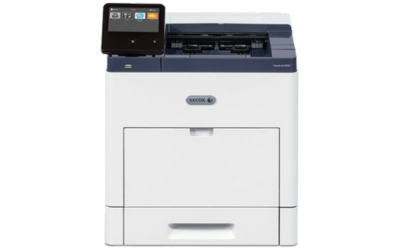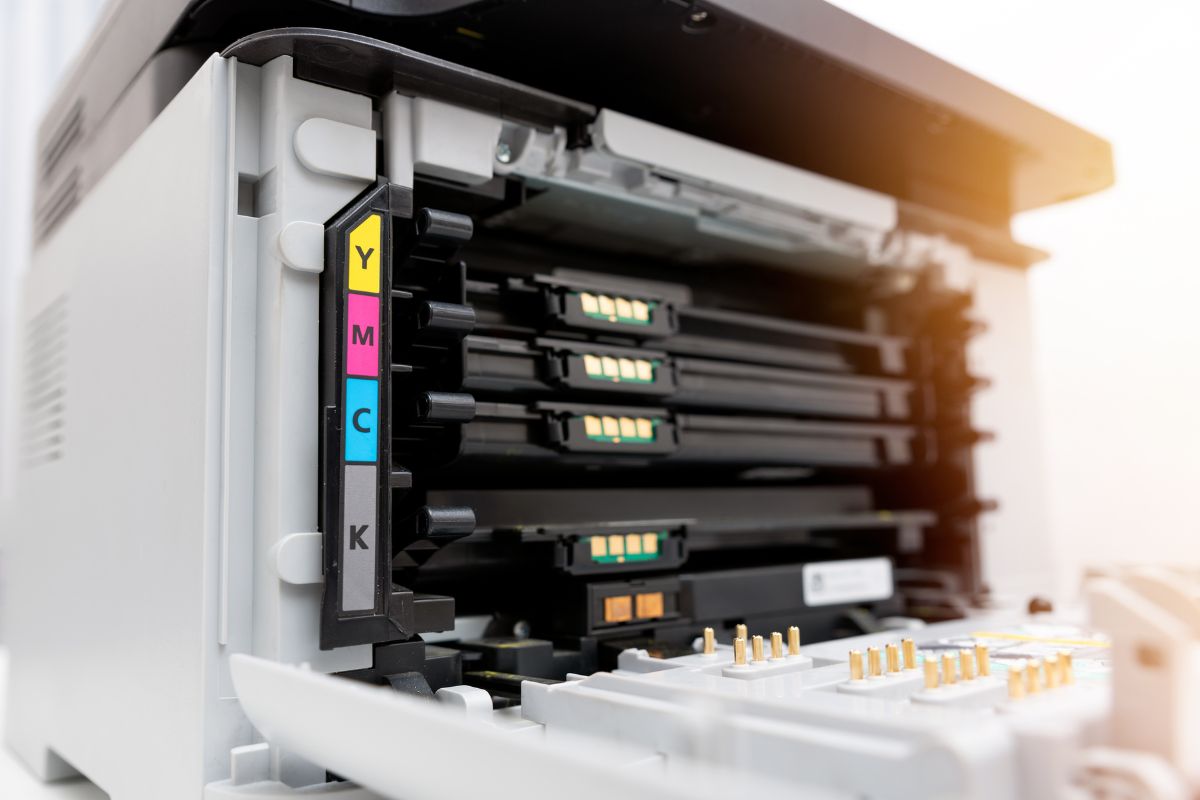
Businesses routinely manage sensitive information, including customer records, financial reports, contracts, and employee files. As a result, print security has become increasingly critical.
Modern business color laser printers feature advanced security tools to protect company data and minimize risks. Many organizations also implement secure print management systems to monitor activity and control document access.
Why Printer Security Matters
Office printers connect to company networks, and without proper security, hackers or unauthorized users can access sensitive data.
Common printer security risks include:
- Unauthorized access to print jobs
- Data theft from network printers
- Unsecured scanned documents
- Malware attacks through connected devices
Organizations in healthcare, finance, legal, and education sectors often require enhanced print security to safeguard private information.
Important Print Security Features to Look For
User Authentication
Many business printers require users to enter a password or scan an ID badge before releasing documents.
This helps:
- Protect confidential files
- Prevent unauthorized printing
- Reduce abandoned print jobs
Some business-grade printers enable companies to assign different access levels to employees.
Data Encryption
Encryption secures information transmitted between computers and printers.
This measure keeps sensitive files secure during network printing or scanning.
Automatic Firmware Updates
Modern printers receive firmware updates to enhance security and address vulnerabilities.
Regular updates help:
- Block malware threats
- Improve printer security
- Keep systems up to date
Many newer business printers support automatic updates.
Secure Print Release
Secure print release stores documents until the authorized user retrieves them at the printer.
This feature is useful for:
- HR departments
- Accounting offices
- Healthcare facilities
- Legal firms
This feature prevents sensitive documents from remaining unattended in output trays.
Activity Monitoring and Audit Trails
Certain print management systems consolidate printer activity tracking into a single dashboard.
Businesses can monitor:
- Print volume
- User activity
- Security alerts
- Printer usage trends
This provides companies with greater control over their print environment.
Benefits of Business Color Laser Printers
In addition to security, color laser printers offer several advantages for busy offices.
Fast Printing Speeds
Laser printers process large print jobs efficiently.
High-Quality Color Output
Businesses can print:
- Marketing materials
- Presentations
- Reports
- Client documents
Lower Long-Term Costs
Toner cartridges typically last longer than ink cartridges, reducing printing costs over time.
Reliable Performance
Business laser printers are designed for heavy office use and high monthly print volumes.
Choosing the Right Secure Printer
Before purchasing a printer, businesses should consider:
- Monthly print volume
- Security requirements
- Mobile printing needs
- Paper handling capacity
- Network compatibility
- Future business growth
Selecting a business-grade printer with robust security features helps protect company data and enhances office productivity.
Common Security Risks in Office Printers
A secure business color laser printer not only prints documents but also protects sensitive information, supports daily workflows, and improves office efficiency.
With advanced security tools such as user authentication, encryption, secure print release, and activity monitoring, businesses can reduce risks and protect important data.