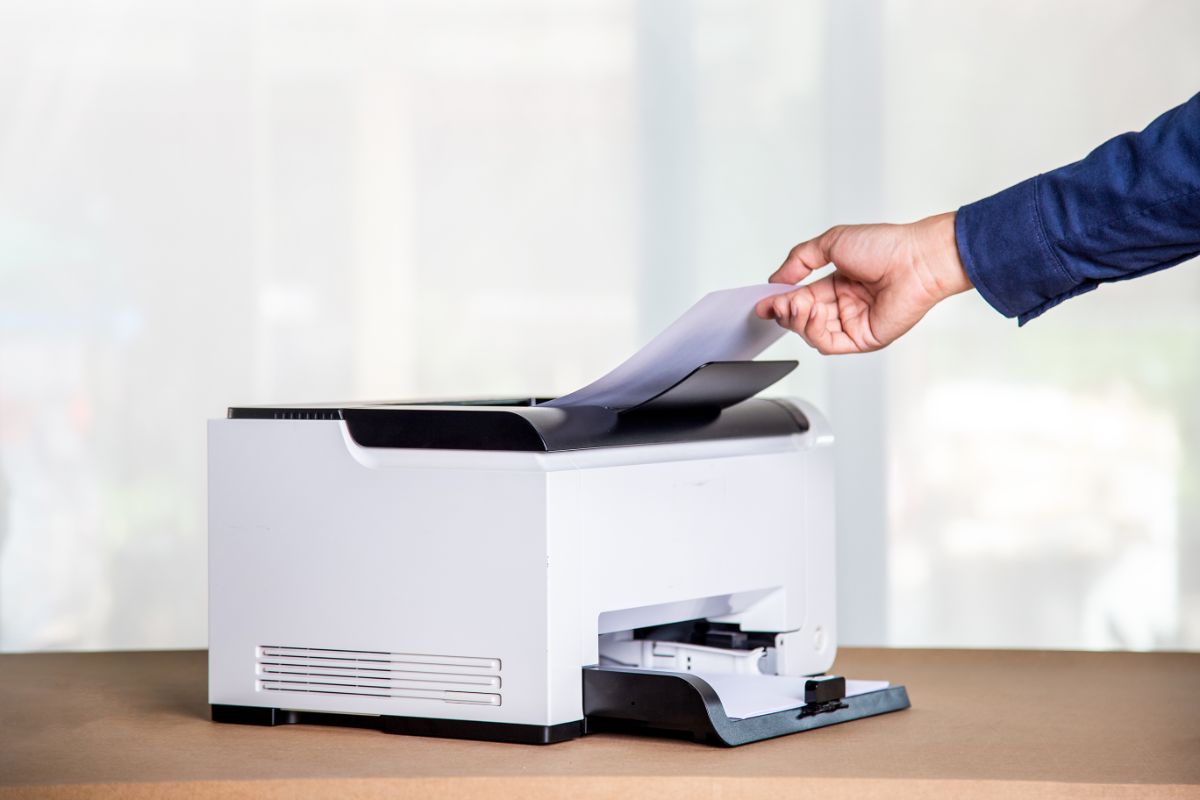
Many Ricoh copiers and multifunction printers (MFPs) include built-in hard drives or solid-state storage. These internal drives are integral to the operation of modern MFPs, particularly for advanced printing, scanning, and document management functions.
Why Ricoh Copiers Use Internal Hard Drives
Contemporary Ricoh copiers function as intelligent, networked devices rather than basic copy machines. To address the expanding requirements of businesses and organizations, internal storage is frequently necessary. A hard drive enables the device to:
- Store print jobs such as “Locked Print,” “Hold Print,” or “Stored Print.”
- Keep scanned documents in an internal “Document Server” for later access.
- Maintain address books, authentication data, and device configurations.
- Log print activity, user access, and machine performance data.
- Process large or complex print jobs more efficiently.
This information requires secure storage, and in most medium- and high-volume Ricoh models, it is retained on an internal hard drive.
Not Every Ricoh Model Has a Hard Drive
Although many Ricoh MFPs include a hard drive, not all models are equipped with one by default. Entry-level or basic machines may rely solely on RAM or limited internal memory. In such cases, the following features are unavailable:
- Document Server storage
- Advanced secure printing
- Larger hold-and-print queues
Higher-end Ricoh models, particularly those deployed in offices, educational institutions, religious organizations, and government settings, typically include a hard drive to support advanced workflow features required by organizations.
What Kind of Data Is Stored?
Data security is a primary concern for organizations, particularly when devices store sensitive information. Ricoh copiers equipped with hard drives typically store:
- Temporary print data
- Scanned documents (when saved intentionally)
- Device settings and network configurations
- Address books
- User authentication profiles
- Fax logs or transmission data (on fax-enabled models)
Most of this data is essential for efficient device operation, which underscores the importance of robust security features.
Data Security Features on Ricoh Copiers
Given that internal storage may contain sensitive information, Ricoh incorporates robust security features into its modern MFPs. These features may include:
- Hard drive encryption – Protects data so it cannot be accessed if the drive is removed.
- Data overwrite protection – Automatically overwrites stored or temporary data after each job is completed.
- User authentication controls – Prevent unauthorized users from accessing stored documents or device functions.
- Print release features – Keep documents private until the authorized user logs in at the machine.
These tools are especially valuable in environments that handle confidential information, such as healthcare facilities, law offices, schools, churches, nonprofits, and financial departments.
What This Means for Your Organization
If you’re evaluating a Ricoh copier, understanding whether it has a hard drive — and what that means — can guide your decision. A device with internal storage offers:
- More printing and scanning flexibility
- Better workflow features
- Greater document-management capabilities
- Options for secure print release
However, organizations should adhere to best practices for security, such as enabling overwrite protection and ensuring proper data erasure before returning, selling, or leasing the device.
The Bottom Line on Ricoh Copiers and Hard Drive Storage
Many Ricoh copiers, particularly mid-range and high-end models, are equipped with hard drives. These drives support advanced features, including secure printing and document storage. With appropriate security settings enabled, Ricoh copiers offer both convenience and robust data protection, making them reliable tools for a wide range of organizations.