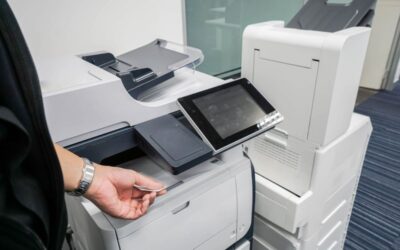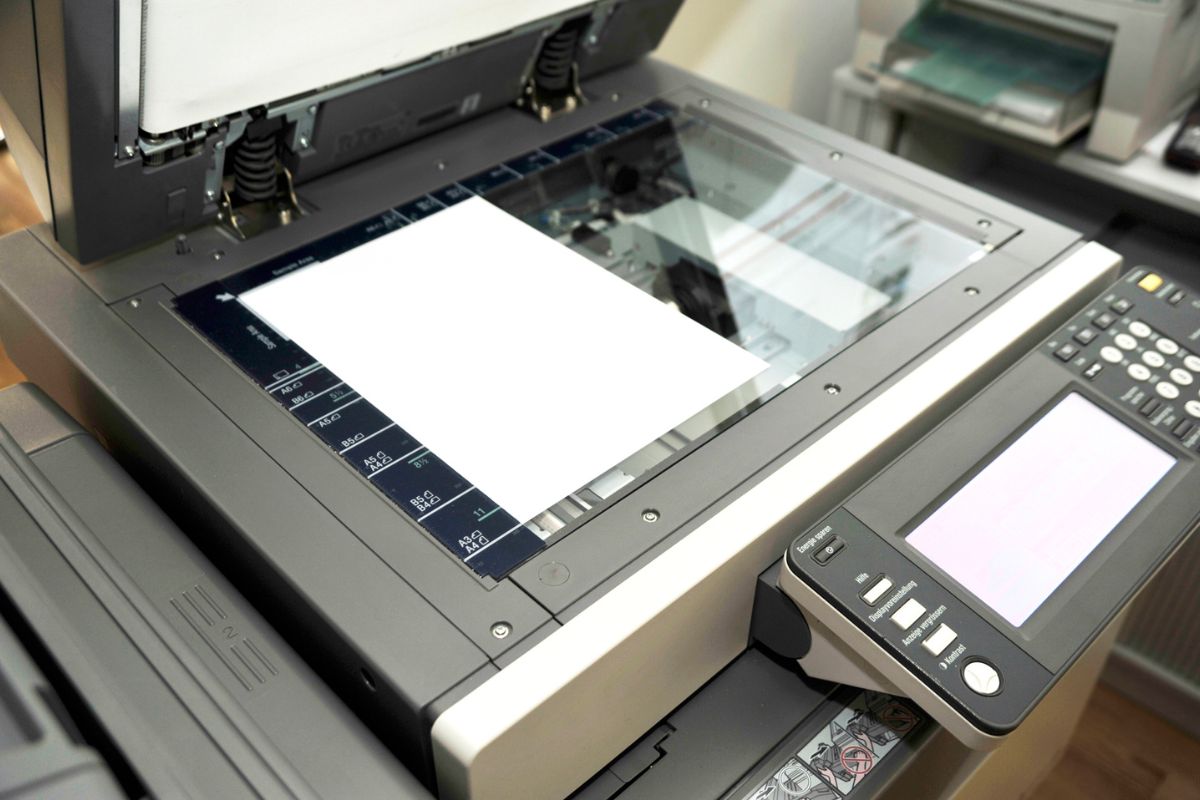
Document-heavy environments like law offices, healthcare systems, and corporate compliance teams require bates numbering for consistent, traceable document sets. As organizations increasingly rely on multifunctional devices to streamline workflows, many ask an important question: Can you Bates stamp original documents on Kyocera copiers? The short answer is yes.
Many of the modern Kyocera multifunction printers (MFPs) on the market incorporate bates stamping capabilities designed to support secure, organized, document handling without additional software. Today, we are going to explore how Bates stamping works on Kyocera copiers, when to use it, and what to consider for accuracy, compliance, and workflow optimization.
What is Bates Stamping?

Bates stamping is a process of applying sequential numbers, dates, or identifying codes to documents. You may also hear it referred to as bates numbering. As a leading print technology provider in New England and Florida, BDS has seen it widely used in:
- Legal discovery
- Compliance documentation
- Medical record management
- Auditing and finance
- Archival workflows
The purpose of bates stamping is fairly simple, and that is to create a unique identifier for every page, so documents can be easily tracked, referenced, and authenticated. This level of efficiency is beneficial to industries requiring it, as it saves time and creates a more organized and efficient process for managing your documents.
Bates Stamping on Kyocera Copiers: What’s Possible?
Kyocera multifunctional printers and copiers, including many TASKalfa and ECOSYS models, support Bates stamping directly from the device, meaning no external print driver or PC software is required. This makes Kyocera an efficient, user-friendly choice for teams that require quick, reliable stamping while copying or scanning original documents. As for the specific features offered by Kyocera copiers, the most popular include:
- Sequential Bates Numbering: Kyocera supports sequential numbering applied automatically across pages which is ideal for litigation packets, compliance forms, and large-scale file preparation.
- Customizable Placement: Users can place a stamp in the header or footer, left, right, or center, depending on document layout. This is an excellent feature for offices seeking stronger customization options.
- Flexible Formatting: With Kyocera devices, you can efficiently adjust your formatting to meet your specific needs. This includes the number of digits, prefixes, or suffixes, font size, orientation, and page ranges.
- Diverse Document Compatibility: Stamping is applied digitally, so Kyocera can Bates stamp originals without requiring the user to first digitize or alter the source material.
Why Are Businesses Choosing Kyocera for Bates Stamping?
For industries that rely on strict documentation practices, Kyocera’s precise numbering, and clear print quality support audit-ready records. Meaning, there is a level of compliance built-in to Kyocera devices that rival some of the most competitive Bates stamping machines on the market. Additionally, cost-effectiveness is a priority for offices globally looking to scale and save money.
Many copier brands require add-on software for Bates stamping, which costs more. In contrast, Kyocera includes it as a standard feature on many of their contemporary models. This move is helping offices reduce operating costs and improve accessibility. In addition to cost-effectiveness, the user-friendly interface that Kyocera devices have come to be known for is particularly beneficial. With this interface, employees can apply numbering without extensive training.
Kyocera copiers offer highly capable Bates stamping features that meet the demands of modern offices while keeping workflows efficient and cost-effective. Whether your organization manages legal discovery, financial auditing, or compliance documentation, Kyocera’s innovative technology makes it easy to apply clear, sequential numbering directly on original documents.
If you need help enabling or optimizing stamping features, BDS can help! We will guide your team through device setup, workflow configuration, and best practices. To stay updated on the latest industry trends and news, follow us on LinkedIn, Facebook, YouTube, Instagram, and TikTok today!
Frequently Asked Questions
Q: Do all Kyocera copier models support Bates stamping?
A: Most current Kyocera TASKalfa and ECOSYS MFPs include built-in Bates numbering, but capabilities vary by model. Your BDS representative can confirm whether your device supports the feature and helps configure it.
Q: Can Kyocera copiers Bates stamp while scanning PDF?
A: Yes. Users can apply Bates numbering while scanning, copying, or printing, making it easy to create stamped digital PDFs for electronic filing or document management systems.