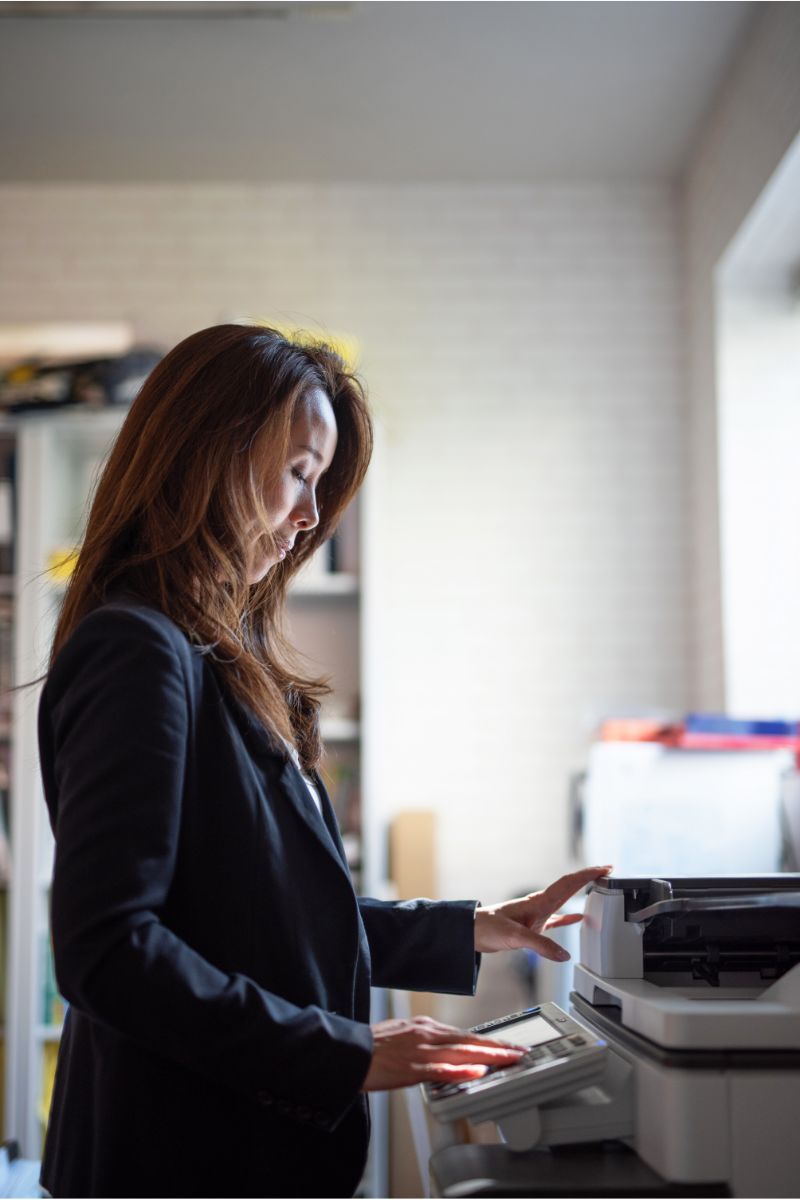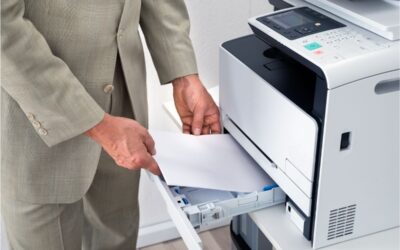
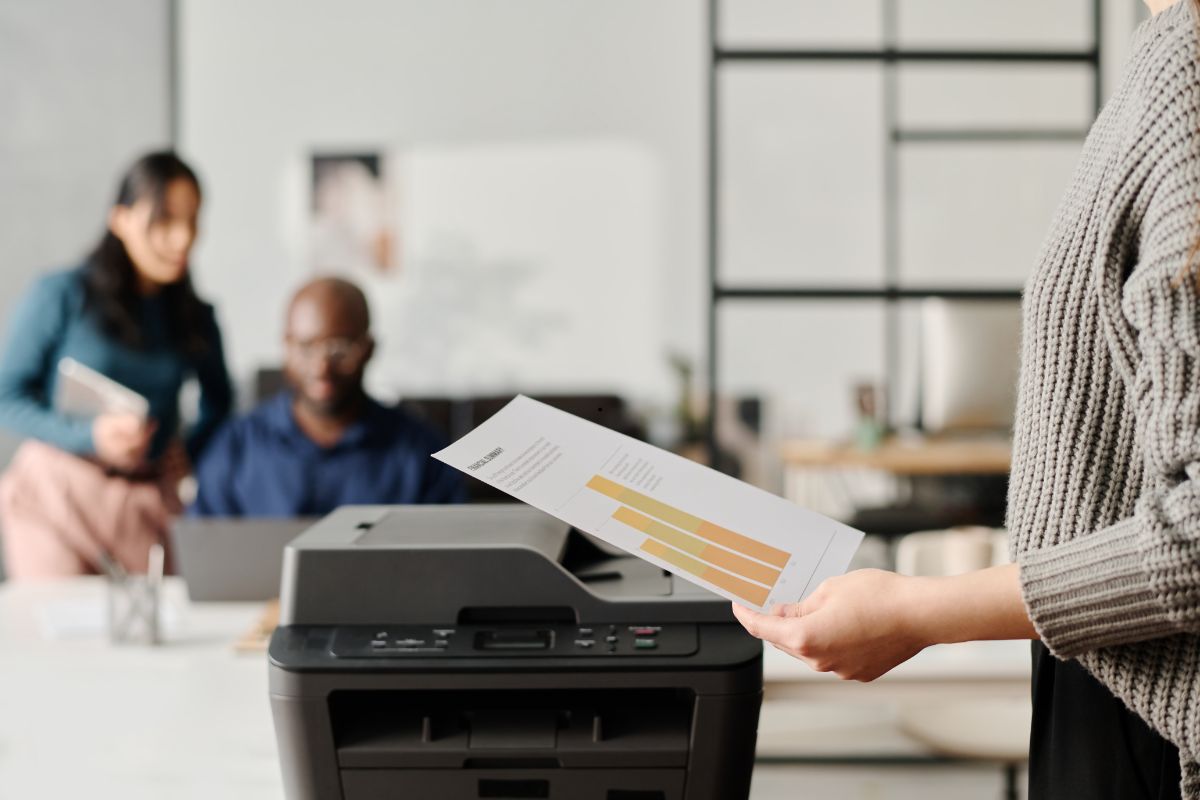
Performance copying and printing ensures your team meets deadlines, maintains security, and works smarter.
How Does Performance Copying & Printing Work?
Multifunction devices combining accuracy, speed, and smart features are performance-copied and printing devices. They deliver exceptional print quality, reduce downtime, and can handle high volumes.
Leading brands like Kyocera, Canon, Ricoh, HP, Konica Minolta, and Xerox provide high-performance solutions integrating print, copy, scan, and fax functions into a single efficient device.
Performance is important
Slow or unreliable equipment can disrupt your workflow. Bottlenecks can be eliminated with high-performance printers:
- Fast speeds (up to 150+ pages per minute).
- Advanced finishing (stapling, folding, hole punching, booklet creation)
- Secure printing with authentication
- Mobile and cloud integration for flexible access
- Energy-efficient technology reduces costs
Industry Applications
All industries benefit from performance printing:
- Education: Quick turnaround on class materials and administrative documents.
- Healthcare: HIPAA-compliant, secure document handling.
- Legal: High-volume, accurate contract and case file printing.
- The Real Estate industry: Professionally printed brochures and contracts.
- Accounting: Printing statements and reports quickly and securely.
When to Upgrade
It may be time to upgrade your equipment if you’re dealing with:
- Frequent maintenance issues
- Slow printing speeds during busy periods
- Limited finishing features
- Security concerns
- High operating costs
Upgrade to a high-performance device improves efficiency, lowers costs, and boosts output quality.
Leasing vs. Buying
Many businesses choose leasing instead of purchasing outright. Leasing lets you access the latest technology without significant upfront investments. It also includes service and maintenance, keeping your office running smoothly.
Partner with BDS
BDS is an authorized dealer for top printing and copier brands, including Kyocera, Canon, Ricoh, HP, Konica Minolta, and Xerox. We proudly serve businesses throughout Massachusetts, Connecticut, Rhode Island, New Hampshire, Maine, New York, and Florida.
Our team provides:
- Personalized solutions tailored to your print environment
- Reliable service and support with fast response times
- Flexible leasing options for your budget
- Expert guidance to keep your technology current