Choosing the best photocopy machine for commercial use is a bigger decision than most buyers expect. A copier is not just a box that spits out copies. It is shared equipment that your whole staff touches every day. When it runs well, nobody notices it. When it jams at 4:45 p.m. before a client deadline, everybody notices it. This guide walks through the features that matter, the trade-offs worth weighing, and the questions you should ask before you sign anything.
The market has also changed. Almost every commercial device sold today is a multifunction printer, combining copying, printing, scanning, and faxing in a single footprint. That saves floor space and simplifies your service contract. It also means your buying criteria have to cover far more ground than raw copy speed.
What Separates a Commercial Printer from a Desktop Unit
A desktop printer is built for one person. A commercial printer is built for a floor of people. The difference shows up in the parts you never see. Commercial machines use larger drums, sturdier rollers, and metal frames instead of plastic ones. They are rated for tens of thousands of pages a month, not a few hundred. They also pull toner from high-yield cartridges, so the cost per page drops sharply once volume climbs.
There is a service difference too. Commercial units are sold with maintenance agreements, remote monitoring, and on-site technicians. Consumer models are sold with a warranty and a phone number. If your office prints more than about 3,000 pages a month, the consumer route usually costs more in the long run, once you count downtime and replacement cartridges.
The Features That Matter Most
Speed and Monthly Duty Cycle
Speed is measured in pages per minute, and commercial models typically run at 25-75 ppm. Duty cycle is the more useful number, though. It tells you how many pages the machine can handle each month without early wear. A good rule is to pick a device rated for at least three times your actual monthly volume. That headroom keeps the copier out of the repair queue and protects your investment as the business grows.
Quality Prints and Color Printing
Resolution is the headline spec, and 1200 x 1200 dpi is the current standard for quality prints. Resolution alone will not tell the whole story, however. Toner formulation, calibration tools, and paper weight all support the final result. If your team produces sell sheets, proposals, or signage, ask for a sample run on your own stock. A high-quality output on plain copy paper does not always translate to heavy gloss.
Color printing costs more per page than black-and-white printing, so most offices use a mixed strategy. They route every day memos to a monochrome device and send client-facing work to a color unit. Many machines let you set those rules by user or department, which keeps color spending under control without slowing anyone down.
Security Features You Should Not Skip
A copier is a networked computer with a hard drive. That drive stores images of everything it scans and prints. Law firms, medical practices, and financial offices need to treat it that way. Look for encrypted storage, automatic data overwrite, and secure release printing, which holds a job until the user enters a PIN at the panel. Strong security features also include user authentication, audit logs, and firmware that the vendor patches on a regular schedule.
Mobile Printing and Wi Fi Connectivity
Hybrid schedules made mobile printing a requirement rather than a perk. Staff want to send a file from a phone in the lobby or a laptop at home and pick it up later. Check that the machine supports AirPrint, Mopria, and your cloud storage of choice. A stable wi fi connection matters as well, though a wired link is still the safer default for high-volume devices. Many offices use both, with wi fi as the backup path.
Paper Handling and Finishing
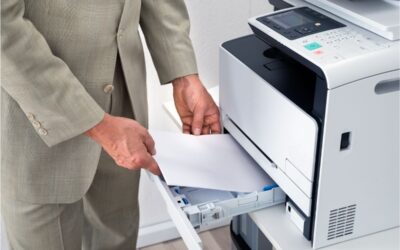
Paper handling is where a copier either saves time or wastes it. Multiple trays let you keep letter, legal, and letterhead loaded at once. A dual-scan document feeder captures both sides of a page in one pass. Finishing options such as stapling, hole-punching, and booklet folding remove entire steps from your workflow. Ask about maximum paper weight, too, since heavier cardstock is common in marketing work.
Matching the Machine to Your Volume
High-Volume Black and White Workhorses
If your office handles contracts, invoices, or case files, a monochrome workhorse is usually the best choice for commercial use. These units run 45 to 75 ppm, hold thousands of sheets across several trays, and deliver a cost per page of around a penny. They are built for departments that print all day. Law offices, schools, and back-office teams tend to land here, and the black and white output is more than sharp enough for text-heavy documents.
Color Multifunction Printers for Client-Facing Teams
Marketing groups, real estate brokerages, and design studios need color that holds up well in front of clients. Mid-range color multifunction printers in the 35 to 50 ppm range handle that work well. Look for color calibration tools, support for heavier stock, and a print controller that renders large files without stalling. Bringing brochures and proposals in-house often pays for the machine within a year, because outside print orders add up faster than most teams realize.
Compact Units for Smaller Offices
Not every business needs a floor-standing machine. Offices of five to fifteen people can do well with a compact commercial unit at 25 to 35 ppm. These models sit on a stand, fit in a supply room, and still include the scanning, security, and mobile tools that larger devices offer. The main trade-off is paper capacity, so plan on refilling trays more often.
How the Right Copier Helps You Increase Productivity
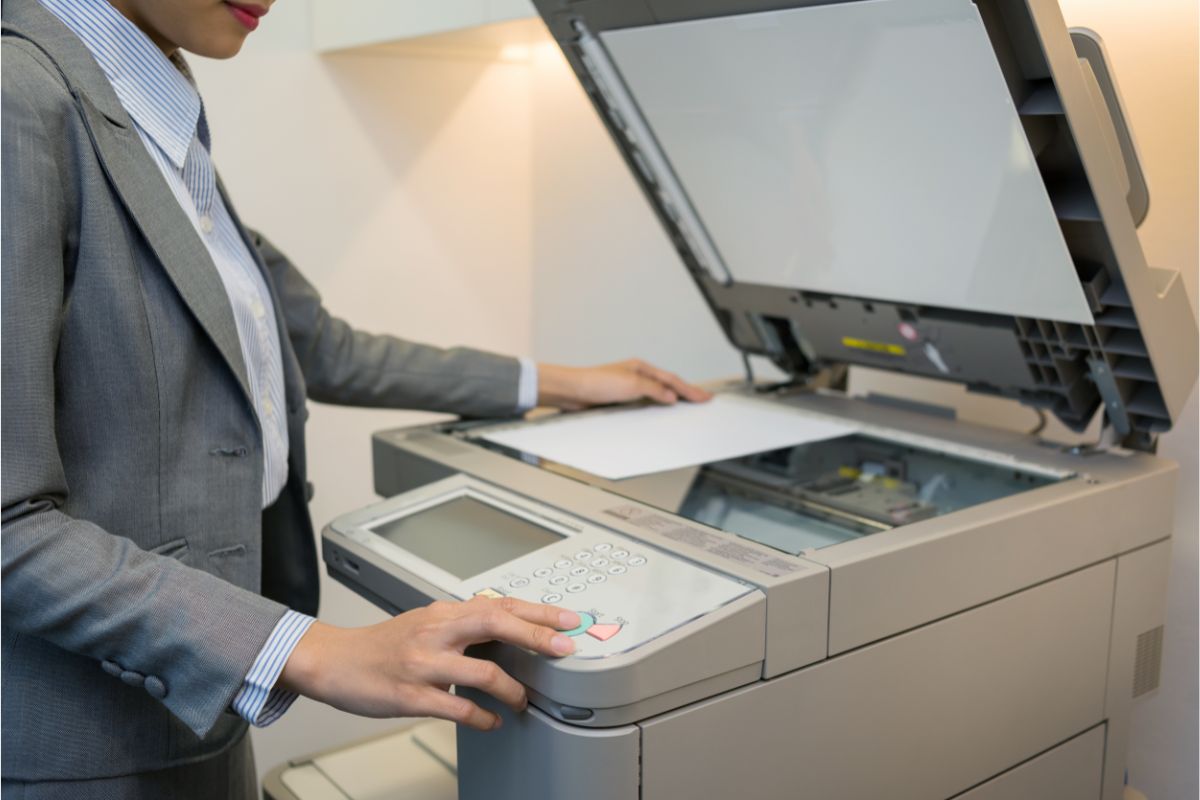
Hardware alone will not increase productivity. Workflow tools will. Modern machines can scan straight into a folder, a document management system, or an email thread. They can read a form, extract the data, and file it under the correct name. They can hold a job until the right person walks up. Each of those steps removes a small task from someone’s day, and small tasks are what eat a week.
Ask vendors to demo these tools with your own documents. A generic demo looks impressive. A demo using your intake form or invoice template tells you whether the machine actually fits the way your office works.
Lease, Buy, or Rent
Leasing is the most common path. A 36 to 60-month term spreads the cost out, bundles service and toner, and makes it easy to upgrade when the term ends. Buying makes sense when your volume is steady, and you plan to keep the device for six or seven years. The purchase price is higher up front, but the total cost is often lower. Renting is well-suited to short-term projects, temporary offices, and event work.
Whichever route you pick, read the cost-per-page terms closely. Check the included page allowance, the overage rate, and whether color and black-and-white are billed separately. Confirm what happens at the end of the lease, since automatic renewal clauses catch many businesses off guard.
Service and Support: The Overlooked Deciding Factor
Two dealers can sell the same model and deliver very different experiences. The hardware is rarely the problem. Response time is. Ask about the guaranteed on-site window, whether technicians are factory trained, and how parts are stocked locally. Ask about loaner equipment during major repairs. A four-hour response commitment from a nearby dealer is worth more than a small discount from a distant one.
It also helps to ask for references from businesses similar in size and volume to yours. A short phone call with a current customer tells you more about a dealer than any brochure will.
A Quick Buying Checklist
- Pull three months of print logs so you know your real volume and color mix.
- Pick a duty cycle at least three times that number.
- Confirm the security features your industry requires, including encryption and secure release.
- Test mobile printing and wi fi access with the devices your staff actually uses.
- Request sample output on your own paper stock before you commit.
- Compare total cost over the full term, not the monthly payment alone.
Frequently Asked Questions
What is the best photocopy machine for commercial use in a busy office?
For most busy offices, a 45-60 ppm multifunction unit with a duty cycle above 150,000 pages strikes the right balance. Choose monochrome if your work is document-heavy. Choose a color if client materials are part of the job.
How much should a commercial printer cost?
Compact commercial models generally run $2,500 to $6,000. Mid-volume color units range from $6,000 to $15,000. High-volume production devices go well beyond that. Leases for mid-range machines usually range from $150 to $400 per month, with service included.
Do commercial copiers support mobile printing over Wi-Fi?
Yes. Nearly all current models support AirPrint, Mopria, and vendor apps, as well as cloud services such as OneDrive and Google Drive. Some units include Wi-Fi as standard, while others require an add-on adapter. Confirm this before you order.
How long does a commercial copier last?
With regular maintenance, five to seven years is typical. Machines that run near their duty cycle limit wear out sooner. Sizing the device correctly at the start is the simplest way to protect its lifespan.
Is color printing worth the extra cost?
It depends on your output. Color pages cost roughly five to ten cents each, compared with about one cent for black-and-white. If you send proposals, marketing pieces, or presentations to clients, the added cost is easy to justify. If not, a monochrome device will serve you better.
Final Thoughts
The best photocopy machine for commercial use is the one that matches your volume, your security needs, and your daily workflow. Start with your print logs. Weigh speed, quality prints, and the tools that help your team increase productivity. Then judge the dealer as carefully as you judge the hardware. Get those pieces right, and the machine becomes something you rarely think about, which is exactly the point.