A dependable office printer is more than a convenience; it helps staff and volunteers focus on their ministry. Kyocera copiers and multifunction printers (MFPs) work well for congregations of any size.
1. Dependable, low-cost printing for heavy workloads
Churches often need to print large quantities at once, such as holiday services, graduation Sundays, or outreach mailings. Kyocera machines are built to last and require less frequent service, resulting in fewer emergencies and less downtime during busy periods. Many models also keep printing costs low with efficient toner and long-lasting parts, which helps save money when printing hundreds of bulletins or booklets each week.
2. One device, many roles (copy, print, scan, fax)
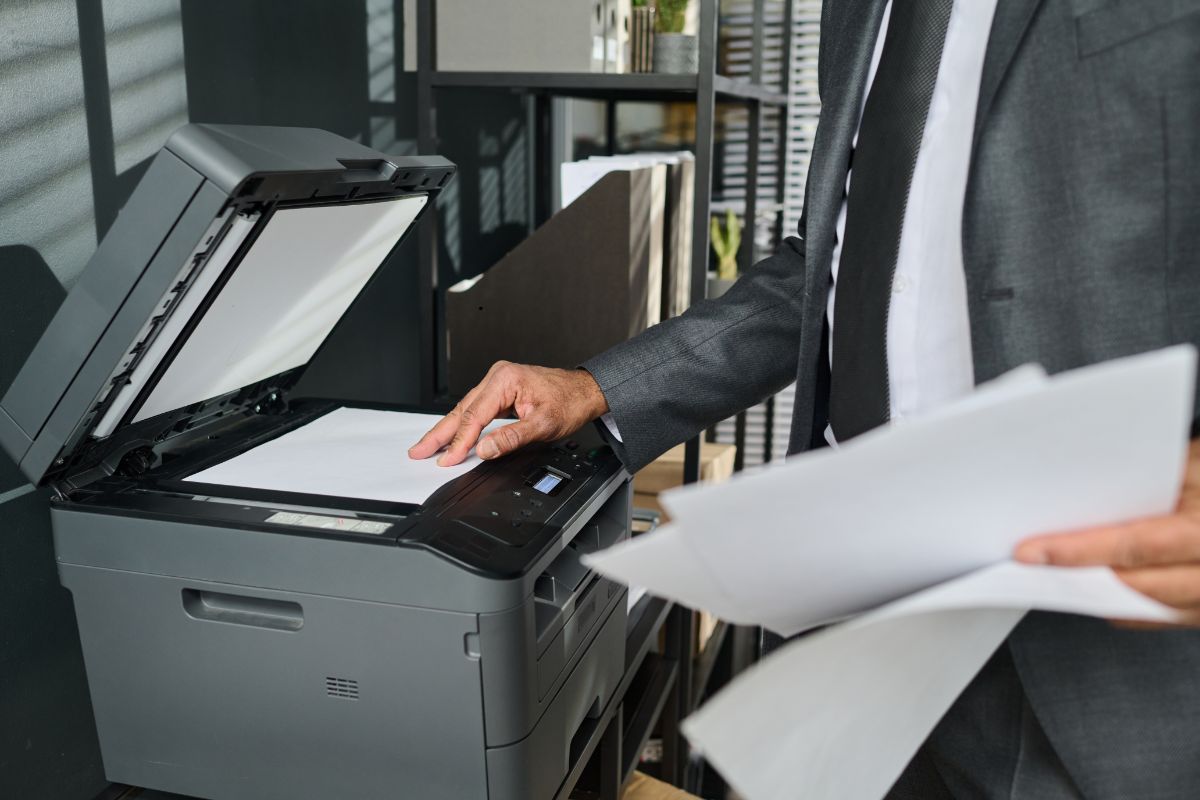
Modern Kyocera MFPs combine multiple office tasks into a single machine. This is especially helpful for smaller church offices with limited space and budget. You can use the copier for bulletins, the scanner to digitize sign-in sheets and records, and the printer to make color flyers. Built-in fax and fax-to-email features also help with ministries and admin work that need secure document delivery.
3. Faster prep for weekend services
Speed and finishing options are essential. Fast printing and features like stapling, folding, and booklet making enable staff and volunteers to create professional worship guides and programs in-house, often as quickly as brewing a pot of coffee. This flexibility is beneficial when last-minute changes occur.
4. Scan + OCR = searchable church records
Scanning old records, membership forms, and newsletters makes it easier to access and save storage space. Kyocera scanners usually support OCR (optical character recognition), which turns scanned pages into searchable PDFs. This makes it easy to locate an old baptism record, a volunteer’s contact information, or last year’s stewardship report without having to search through boxes.
5. Mobile & cloud printing for volunteers
Today’s volunteers want convenience. Kyocera devices support mobile and cloud printing, enabling worship leaders, musicians, and guest speakers to print directly from their phones, tablets, or cloud drives. This reduces the need for last-minute file transfers, making collaboration easier.
6. Strong document security and access control
Church offices manage sensitive information like donation records, personal contact details, and pastoral notes. Kyocera MFPs feature access controls, including user authentication and secure printing, ensuring that only authorized staff can print confidential documents. Some models also have audit trails to track who printed what, which helps with accountability and peace of mind.
7. Easier communications and outreach
From personalized mailings to eye-catching posters, having in-house color capability helps churches communicate more effectively. Color prints can boost attendance for special events and make promotional materials more engaging. High-quality color output also enables ministries to present professional materials to community partners, for grant applications, and in outreach campaigns.
9. Simple management and lower admin overhead
Kyocera MFPs come with management tools that let office staff set print limits, track usage by department, and schedule maintenance alerts. For churches where volunteers handle office work, a simple and low-maintenance system helps keep administrative tasks easy and operations running smoothly.
10. Scalable options and service plans
Whether your church prints just a few dozen pages a week or thousands for a significant event, Kyocera has models to suit a wide range of needs and budgets. Many churches also utilize service or managed print plans that include supplies, maintenance, and rapid support, ensuring predictable costs and fewer surprises.
How Kyocera Copiers Strengthen Church Operations
A good copier is more than just a machine; it can help your ministry do more. Kyocera copiers and MFPs help churches save money, reduce hassle, protect sensitive documents, and create professional materials when needed. If your church still uses consumer printers or multiple devices, switching to a reliable Kyocera MFP can allow staff and volunteers to spend more time on ministry and less time troubleshooting printer issues.
Need help picking the right model for worship bulletins, outreach printing, or digitizing records? Discuss your monthly print volume, color requirements, and finishing needs with BDS to ensure a seamless process.