How Multifunction Printers Can Help
Your Business
Are you spending too much on toner, paper, and consumables? Is your print solution efficient? We can help you find an effective solution to boost efficiency and reduce costs through our free print audit.
Complimentary Print Analysis
Our expert staff can analyze your printing, scanning, copying, and faxing machines to identify the best office solution to reduce operating costs and save you time. We do more than look at the pages printed on each device during a print assessment. Small questions have significant consequences when it comes to productivity and finances.

Step One: Discovery
Our first step is to electronically audit all your networked printers, faxes, and copiers. We identify costs for printing volumes, consumables, maintenance, and outside printing, including IP addresses, firmware levels, printer utilization percentages, and consumable levels.

Step Two: Analysis
We then analyze these costs and determine an average cost-per-page of the total pages you print per month, categorizing this data by printers, copiers, faxes, etc. A financial and operational analysis will summarize the costs and issues associated with your existing document production and distribution methods.

Step Three: Implementation
Once discovery and our print analysis is done, we will implement a managed print strategic plan with strong recommendations to reduce print costs, minimize downtime, increase efficiency and extend the life of your printer fleet.

Step four: Periodic Review
Following the implementation, we will meet with you periodically to review and analyze the progress of the strategic plan towards attaining the specified goals and cost savings.
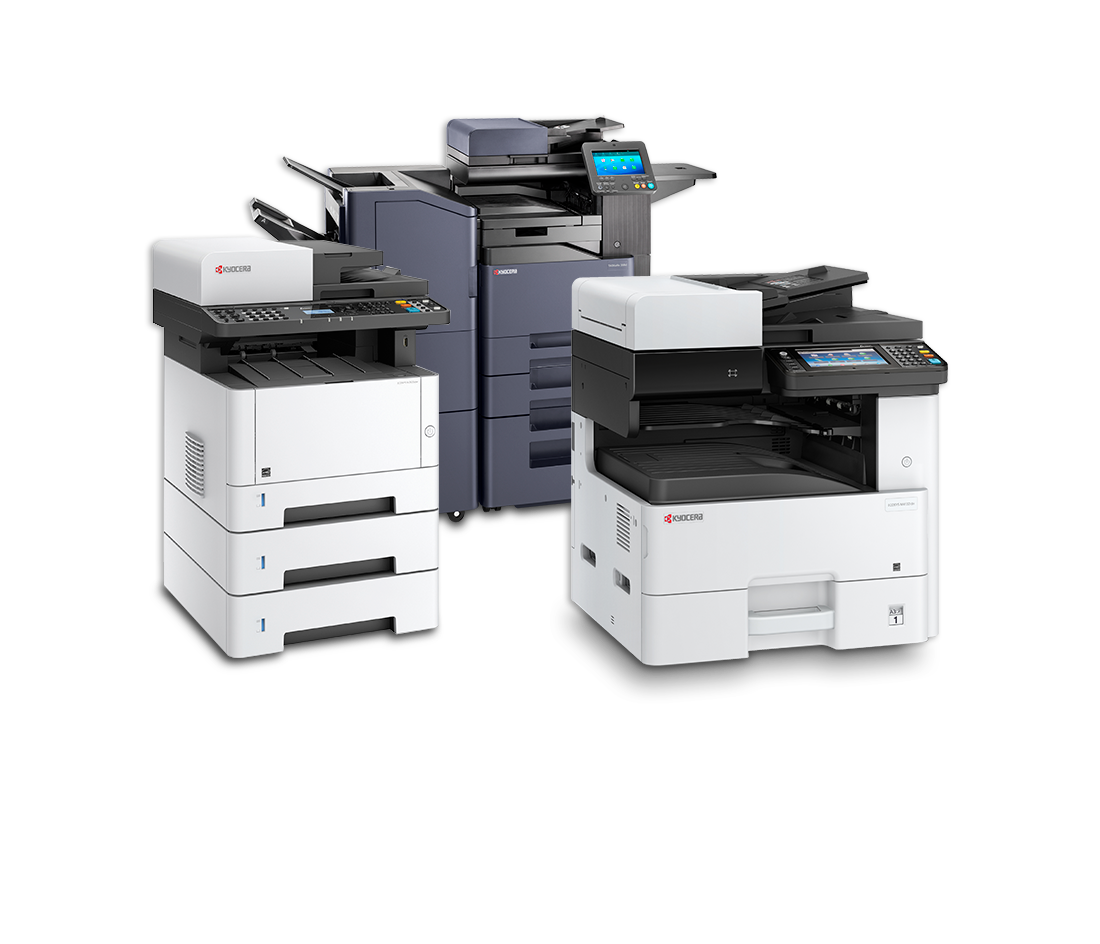
Designed to excel in a wide range of businesses, these MFPs are the ideal choice for small businesses and large enterprises.
Let’s walk through five reasons your office needs a multi function machine.
Multifunction equipment can genuinely multitask, preventing downtime.
Simplify your workflow, reduce paper trails, manage documents in the cloud, and print, copy, scan, fax, and email in-house or remotely.
Ensure the security of your documents.
Multifunction printers feature intrusion prevention, device detection, and data encryption capabilities that surpass industry standards.
STREAMLINE YOUR PAPER PROCCESS
Your paper documents can be organized, edited, and archived electronically to streamline cumbersome processes. Send paper documents to email, cloud-based storage, network folders, and remote printers.
ADVANCED PRINT FINISHING OPTIONS
Print finishing options such as stapling, booklets, and hole punching are available on multifunction devices. These functions print directly from the external document feeder. Having an external finisher allows you to create additional document types in-house.